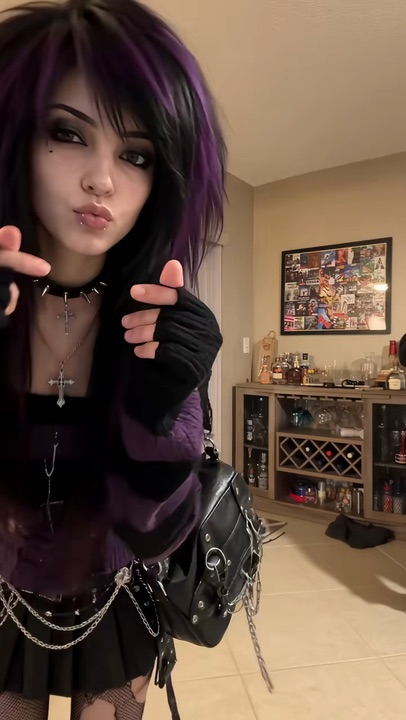

Wassup In A Minute AI Video Generator

Make the Wassup In A Minute AI video with your crew. Up to four of you take turns swaying on a white floor, one after another, like the anime lineup on TikTok.

2Your photos

1Pick a template

Up to four subjects, one group photo or a photo each: one after another, each takes a turn swaying on the white floor

2Your photos

What it is

What is the Wassup In A Minute meme?

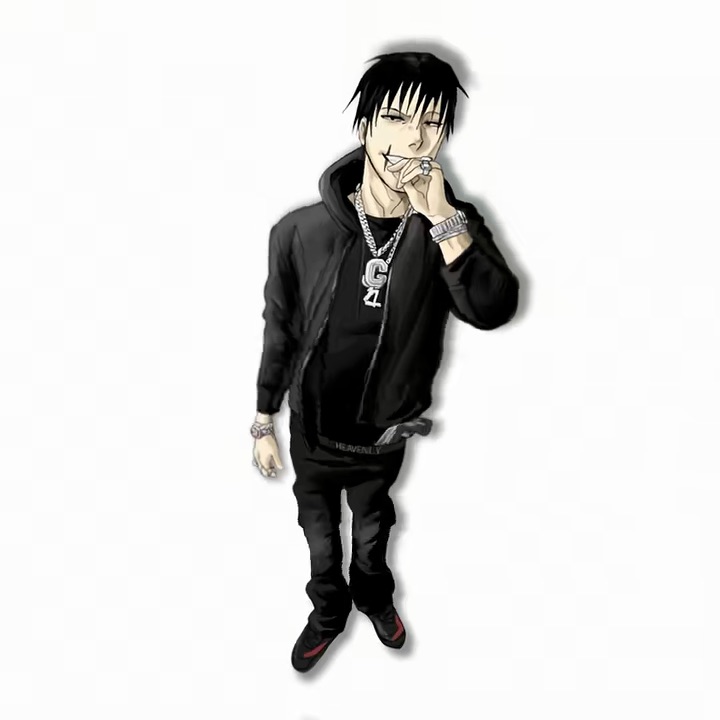
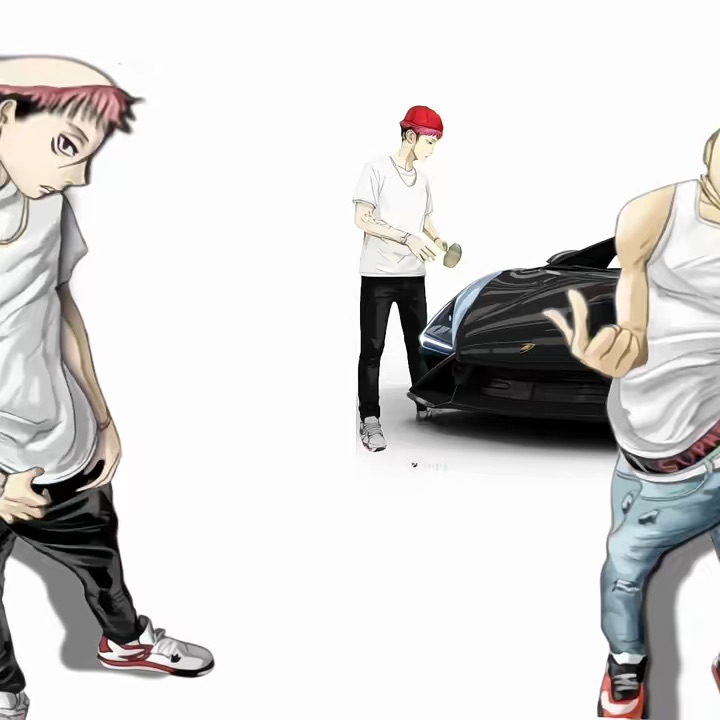
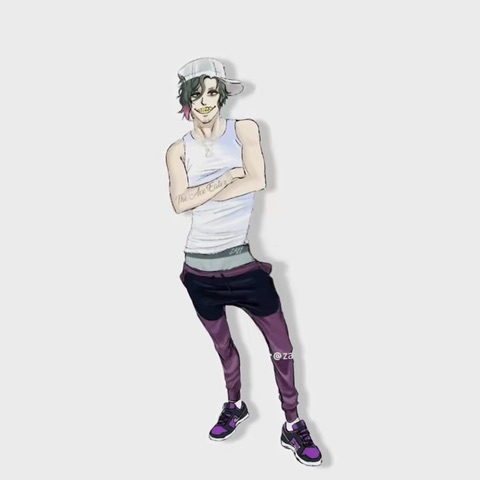
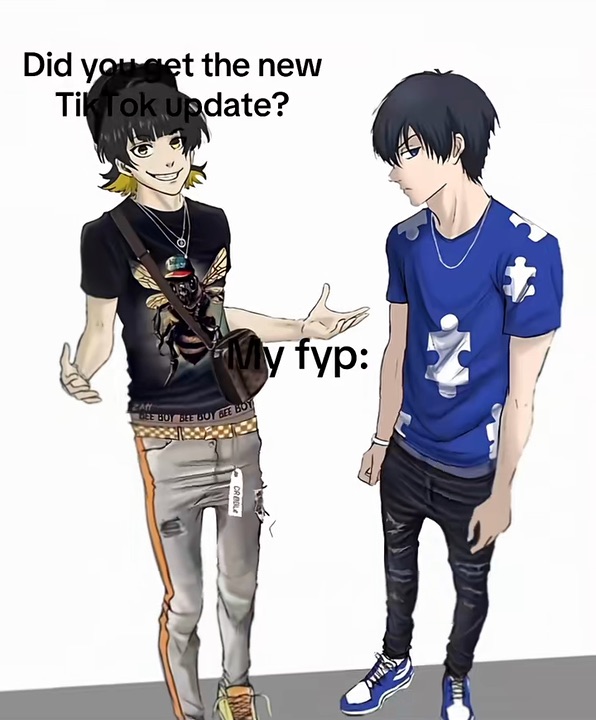
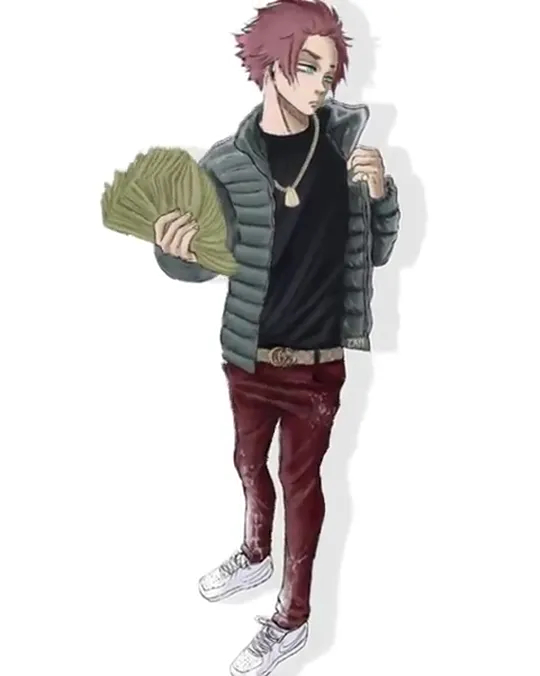
The Wassup In A Minute AI video puts you in a fan animation that took over anime TikTok in late October 2026. Blue Lock’s footballers, redrawn in puffer jackets, chains and stacks of cash (fans call it Atlanta Lock), take turns on a plain white floor and sway to β€œwassup, in a minute, wassup”. Each one gets a few seconds before fading to white for the next.

Within days people were putting other crews through the same sway, from Jujutsu Kaisen to Naruto, and the Wassup In A Minute dance turned into a way to line up your favourite characters. Here the lineup is your own crew, in the clothes you wear in the pictures: up to four of you one by one, side by side the whole time, or one by one and then all together. In One by one, a turn you leave empty keeps its drawn character.
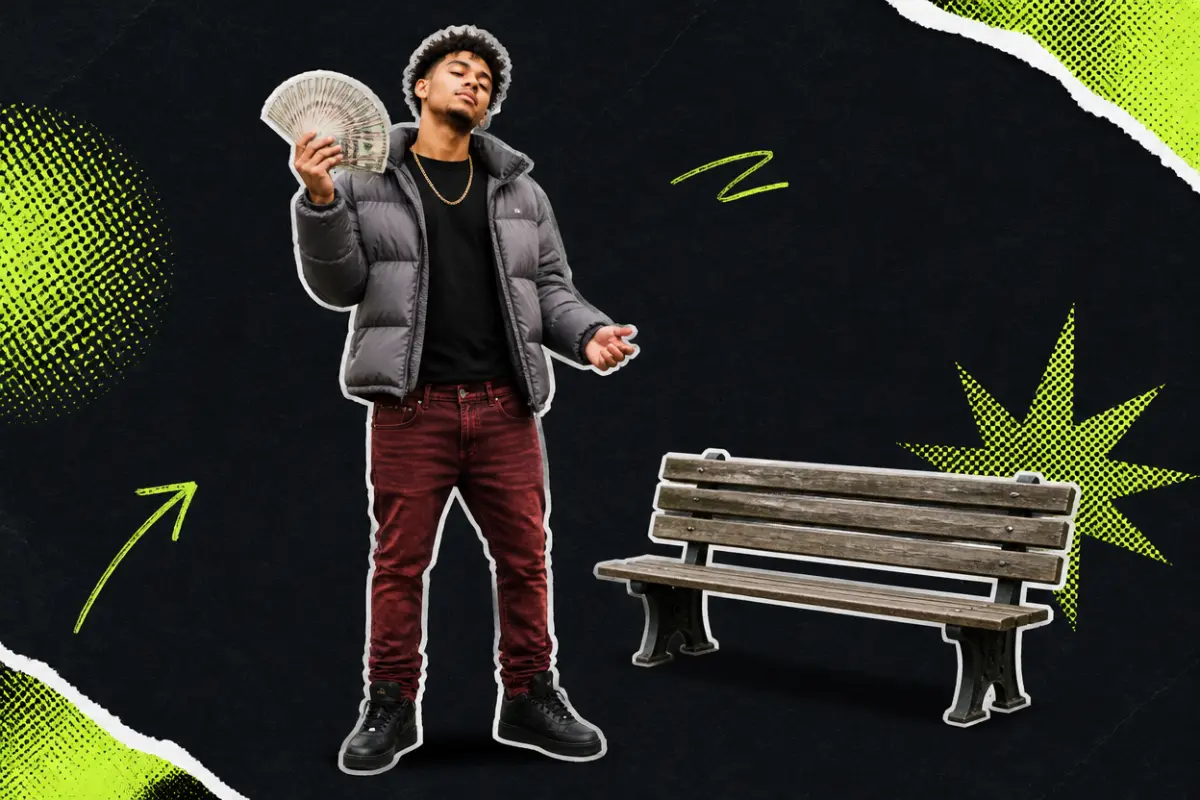
Collage: a young man in a puffer jacket fanning out a stack of cash and swaying, beside a wooden bench

What happens, in order

  1. First up1

    First up

    The first of you appears on a white floor with a soft shadow and sways side to side, then fades to white.

  2. Next2

    Next

    The next one fades in and sways to the same beat, in the pose from their own photo.

  3. Third3

    Third

    The third leans into the sway, holding whatever they hold in their photo, a pet included.

  4. Last up4

    Last up

    The last one sways out to white, and the lineup is complete.
On TikTok

The Wassup In A Minute trend on TikTok

The same sway on the same white floor, one at a time or side by side, with a different crew each time.

@nova.friendπŸ”₯ 868K
@seijuro_19πŸ”₯ 521K
@spryzennyπŸ”₯ 356K
@iv0rynx..3πŸ”₯ 303K

How to

How to make the Wassup In A Minute AI video

Nobody needs to dance. The sway comes from the clip; you bring the photos.

Make our Wassup In A Minute
Sample photo of an adult, face clear1st turn
Sample photo of an adult, face clear2nd turn
This scene: One by oneThis scene
Your photos go in, and this scene comes out with all of you in it.
  1. 01

    Step 1: Pick a version

    One by one, Side by side or All together at the end, in the generator at the top of this page. Each takes up to four.

  2. 02

    Step 2: Add your crew

    One group photo, left to right in the order you come on, or a photo each. Wear in the photos what you want to sway in.

  3. 03

    Step 3: Tick the box

    Confirm you have the right to use the photos.

  4. 04

    Step 4: Make it

    Press the button. The Wassup In A Minute AI video renders on its own; leave the page if you like and find it in My videos.

  5. 05

    Step 5: Download and post

    Tap Download MP4, then post it on TikTok with the AI-generated content label switched on.

Your photo

Wassup In A Minute AI template: which photo to use

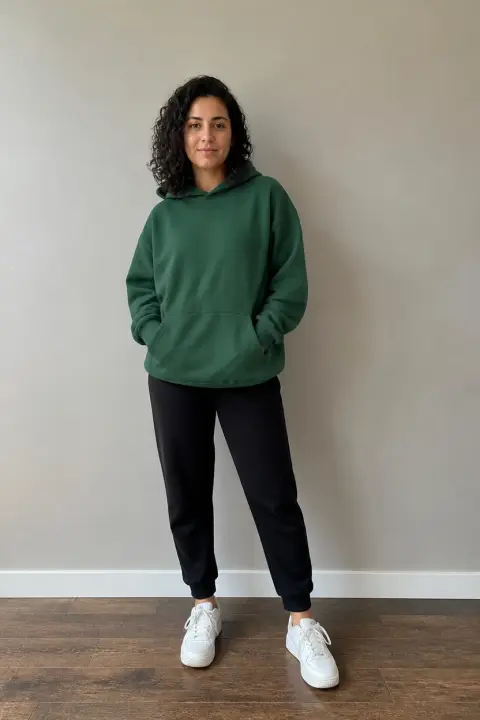
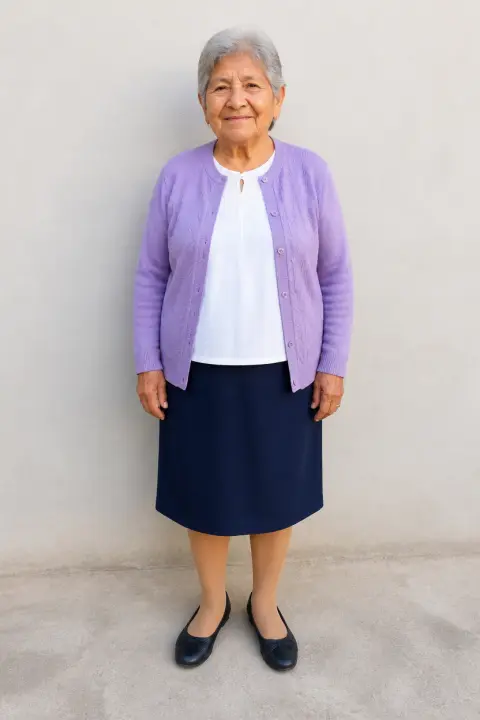
A Wassup In A Minute AI video shows each of you head to toe on a white floor, so full-length photos work best: the shoes and trousers come from them too. A photo each gives the best result and lets you choose who takes which turn; one group photo works too, left to right in the order you come on. Faces are small in a full-length shot, so they have to be sharp. Whatever you wear in the photos is the outfit; the sway comes from the clip.

  • Sample photo: a man in his forties in a red polo shirt, cargo shorts and sneakers, standing full length, face clearly visible
    Clear face, good light
  • Face in shadowTryTurn toward a window
    Face in shadow
  • Heavy filterTryUse the original photo
    Heavy filter
  • Face too smallTryStep closer: waist-up or full length
    Face too small

Works

  • Up to four subjects, in one group photo or a photo each
  • Full length if you have it, at least waist-up
  • Face clear and sharp, roughly facing the camera
  • Daylight or a bright room, no heavy filters

Skip

  • More than four in the photo, or faces small and far away
  • Sunglasses, hats low over the eyes, masks
  • Public figures

Background

Where the Wassup In A Minute trend came from

A week from one animation to a format everyone fills with their own characters. Dates come from the TikTok posts.

  1. October 23, 2026

    The animation

    A fan animation of Blue Lock’s players in streetwear, each swaying to β€œwassup, in a minute, wassup”, is posted. It passes two million plays.

  2. October 24, 2026

    Other crews

    Fan artists post their own lineups on the same white floor, and a Jujutsu Kaisen version passes 800,000 plays.

  3. October 26, 2026

    Naruto and more

    A Naruto Team 7 edit of the Wassup In A Minute meme passes 800,000 plays, and more anime crews follow.

  4. October 28, 2026

    More players

    The original animation gets a follow-up with three more players added to the lineup.

  5. October 26, 2026

    Real people

    The first Wassup In A Minute AI videos made from photos of real people appear, swaying on the same white floor.

Fixes

If your Wassup In A Minute AI video looks off

The clip shows you whole on a plain white floor, so there is nowhere to hide a blurry face or a cropped photo.

  • My shoes or trousers look invented

    The clip shows you head to toe. With a photo cut at the waist, the AI has to draw the rest; use a full-length one.

  • The face is not quite right

    Use a sharp, front-facing photo in good light, without filters that smooth or reshape the face.

  • Someone came on in the wrong turn

    In a group photo, left to right is the order you come on. To choose who takes which turn, switch to a photo each.

  • A drawn character is still in it

    A turn without a photo keeps the drawn one from the original. Use a group photo of four, or add a photo for that turn.

  • The photo will not upload

    Use a JPG, PNG or WEBP. iPhone photos saved as HEIC sometimes will not open in a browser; take a screenshot of the photo and upload that.

  • The video did not render

    If a render fails, the credits go back to your balance on their own. Add the photo again and press the button once more.

Posting

Posting your Wassup In A Minute meme

The captions on the anime versions are short, a line of the meme and a few emojis. Do the same, and tag whoever is in it.

Captions to copy

Hashtags

  • #wassupinaminute
  • #inaminutewassup
  • #wassup
  • #atlantalock
  • #bluelock
  • #aitrend
  • #fyp
  • Say who joined the lineup

    On the anime versions the caption names who was added. Put your name, or your friend’s, in the caption.

  • Use the words people search

    Some people hear the line as β€œwasala in a minute”; put both spellings in your caption so the video is found either way.

  • Label it as AI

    Switch on TikTok’s AI-generated content label before you post.

Pricing

Pay once, spend on any trend

One-time packs, no subscription. Credits never expire and come back if a render fails.

Starter

$9.90

15 credits per $1

150 credits

15 s of video

  • Trends, text and image to video
  • No watermark
  • Credits never expire
Most popular

Creator

$29.90

23.5 credits per $1 Β· 56% more

700 credits

1 min 10 s of video

  • Trends, text and image to video
  • No watermark
  • Credits never expire

Pro

$59.90

26.5 credits per $1 Β· 76% more

1,600 credits

2 min 40 s of video

  • Trends, text and image to video
  • No watermark
  • Credits never expire
Best value

Studio

$299

30 credits per $1 Β· 100% more

9,000 credits

15 min of video

  • Trends, text and image to video
  • No watermark
  • Credits never expire

Wassup In A Minute AI video FAQ

How do I make the Wassup In A Minute AI video?

Add one group photo of up to four, or a photo each, full length if you can with faces clear, tick the box and press the button at the top of this page. When it is ready, download it and post it.

Do I need an app or a filter?

No. It all happens on this page in the browser, on a phone or a computer: your photos in, a Wassup In A Minute AI video out, ready to download.

Do I need to know the Wassup In A Minute dance?

No. The sway comes from the clip, not from your photos. Stand naturally in the pictures and the Wassup In A Minute AI video does the rest.

Can my friends each get a turn, like the anime lineups?

Yes. Every version takes up to four, from one group photo (left to right is the order) or a photo each, added one by one. In One by one, the turns left over keep their drawn characters.

What happens to my photo?

It is used only to make your video and is deleted when you delete the video. The finished clip is not shown anywhere on this site unless you share it, and nothing you upload is used to train models.

Independent tool. Not affiliated with, endorsed by or connected to Blue Lock, its creators or publishers, any anime, the fan artists and TikTok creators behind the trend, TikTok or any app. Videos are AI-generated; label them as AI when you post.