
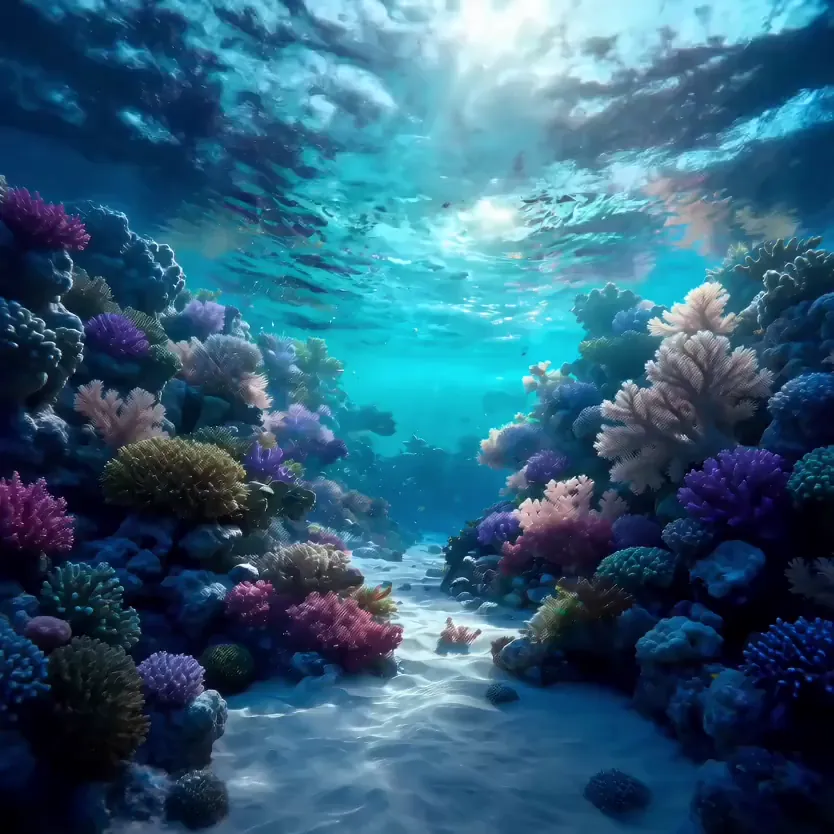
Sound with the picture
Every model here renders audio in the same pass as the video: footsteps, rain, a crowd, music that fits the scene. On the Seedance models you can switch it off for a silent clip; MiniMax H3 always includes it.
Text to video
Write what should happen, pick a model, and get a clip with sound to download. Seedance 2.5, Seedance 2.0 and MiniMax H3 in one box.
Examples
A few clips from each of the three, from a sentence or one picture.
How it works
Write who or what is on screen, what happens, where the camera is and what we hear. One clear scene works better than a list of ideas. You can do all of this before you sign in.
Choose Seedance 2.5, Seedance 2.0 or MiniMax H3, then the frame shape, the length and the quality. The button shows the credits the clip costs before anything is charged, and it updates as you change settings.
Press Create. The clip renders right on the page and also lands in My videos, so you can close the tab and come back. When it is ready, download the MP4 or start the next one from the same prompt.
Models
All three read a prompt and make sound with the picture. They differ in how long a clip can run, the resolution, and whether you can switch the sound off.
What you get
Every model here renders audio in the same pass as the video: footsteps, rain, a crowd, music that fits the scene. On the Seedance models you can switch it off for a silent clip; MiniMax H3 always includes it.
Vertical 9:16 for TikTok, Reels and Shorts, 16:9 for YouTube and slides, 1:1 and 3:4 for feeds, 4:3, and a wide 21:9 strip. The shape is set before the render, so nothing gets cropped afterwards.
Seedance 2.0 and MiniMax H3 run 4 to 15 seconds; Seedance 2.5 goes up to 30 seconds in one take. Pick the length for each clip, and the number on the button follows it.
Credits come in one-time packs and never expire. If a render fails, they go back to your balance on their own. You pay for the model, length and quality you picked, nothing else.
Prompt guide
Video models follow concrete, visual sentences. Cover these four things and leave out the rest.
01Subject
Who or what is on screen, and what they look like.
A corgi in a yellow raincoat
02Action
One main thing that happens, in the order it happens.
runs along the shoreline, stops, shakes off the water
03Camera
Where the camera is and how it moves.
low handheld shot following from behind
04Light and sound
Time of day, the light, and what we hear.
sunset, warm backlight, waves and wind
FAQ
A tool that turns a written description into a short video clip. You type what should happen, and a video model such as Seedance or MiniMax H3 renders the shot, with sound, in the frame shape and length you chose. You get an MP4 you can download and post.
Seedance 2.5 when you need a longer single take, up to 30 seconds at 480p or 720p. Seedance 2.0 for clips up to 15 seconds with sound you can turn off. MiniMax H3 for 2K clips up to 15 seconds that always come with sound. Each model has its own page with the full specs.
4 to 15 seconds on Seedance 2.0 and MiniMax H3, and 4 to 30 seconds on Seedance 2.5. You pick the length before you create. A longer clip costs more credits, and the Create button shows the exact number.
Yes. All three models make audio together with the picture, matched to what happens on screen. On Seedance 2.5 and 2.0 you can mute it with the speaker button next to the settings; MiniMax H3 always renders sound.
Each run costs credits based on the model, the length and the quality, and the number is on the Create button before you pay. Credits come in one-time packs, never expire, and return to your balance automatically if a render fails.
You can write the prompt and pick every setting without one. We ask you to sign in when you press Create, and your prompt and settings are still there after you do, and after checkout too.
Models act on the most visual parts of a prompt. Keep one scene per clip, put the main action early, and name the camera move. Concrete words such as backlit, close-up or slow push-in do more than general ones such as epic or beautiful.
Every finished clip is saved in My videos in your account, where you can play it again or download the MP4. You can leave the page while a clip renders; it will be there when it is done.