Hug From Heaven AI Video Generator

Make a hug from heaven AI video from two photos, someone you lost and you: you run up a golden stairway in the clouds into their open arms.

The stairway hugFrom @carmen.gzlcapcut

Your photos

The person who passed: one adult, alone, face clear, waist-up or more.
You alone, full length if you can, face clear.

What it is

What is the Hug From Heaven AI video?

The hug from heaven AI video takes place in a heaven of soft clouds: you run up a glowing golden stairway toward rays of sunlight, and at the top the person you lost is waiting with open arms, smiling. You reach them and hold each other in a long, tight embrace, seen up close, then the camera slowly pulls back to the two of you in the clouds, with golden light all around. It lasts six seconds, and among the heaven videos people remake on TikTok, it is the one used most.

People make this deceased loved one AI video for a first birthday after a loss, an anniversary or the Day of the Dead, and some never post it at all, which is just as right.
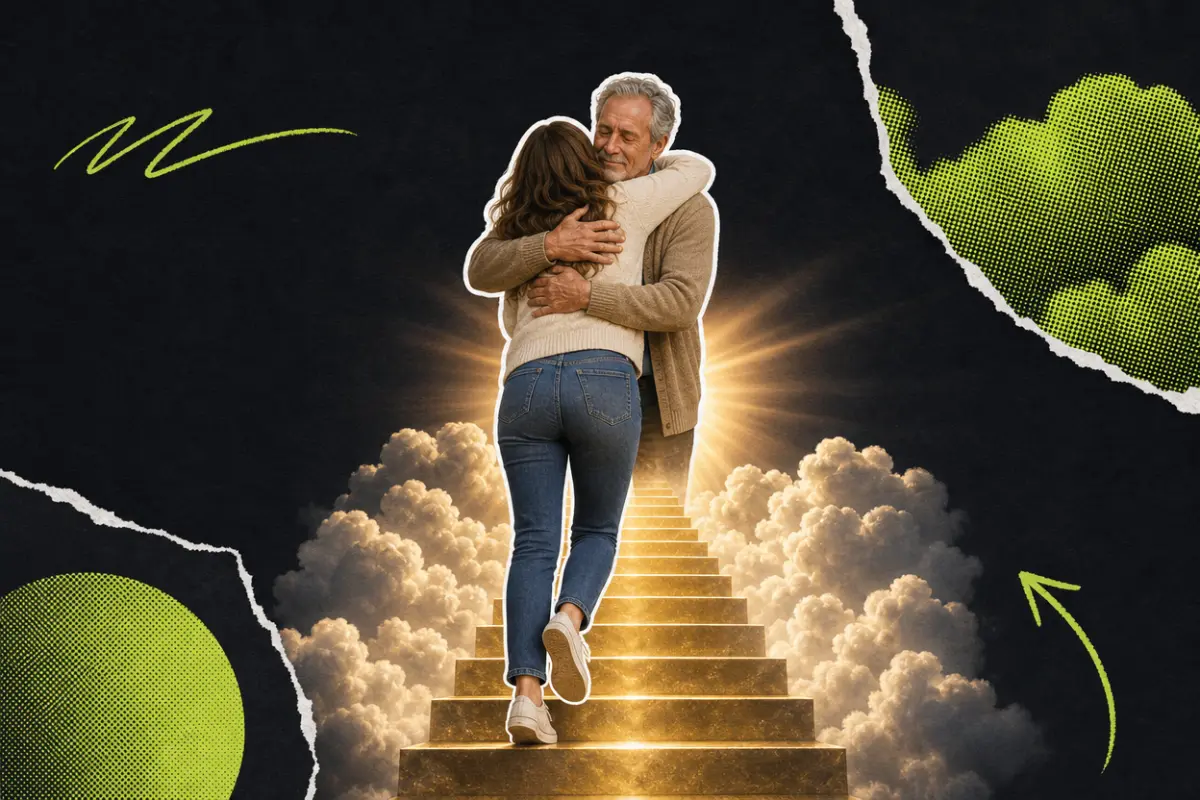
Collage: a woman at the top of a glowing golden stairway in the clouds, held in a long hug by an older man who waited for her there

What happens, in order

  1. The stairs1

    The stairs

    Seen from behind, you run up a glowing golden stairway through the clouds, toward rays of sunlight.

  2. Open arms2

    Open arms

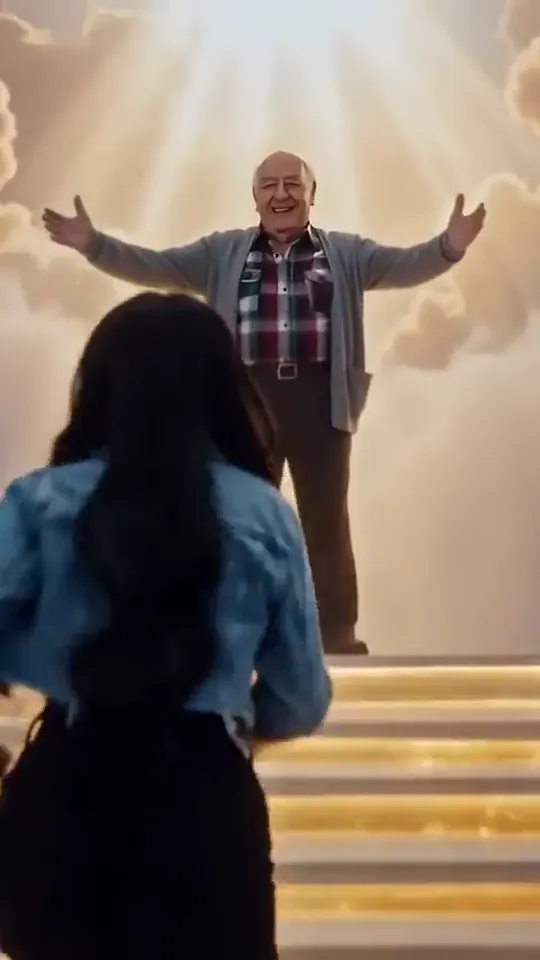
    At the top, your loved one is waiting for you with open arms, smiling.

  3. Together3

    Together

    You reach them, and you wrap your arms around each other.

  4. The hug4

    The hug

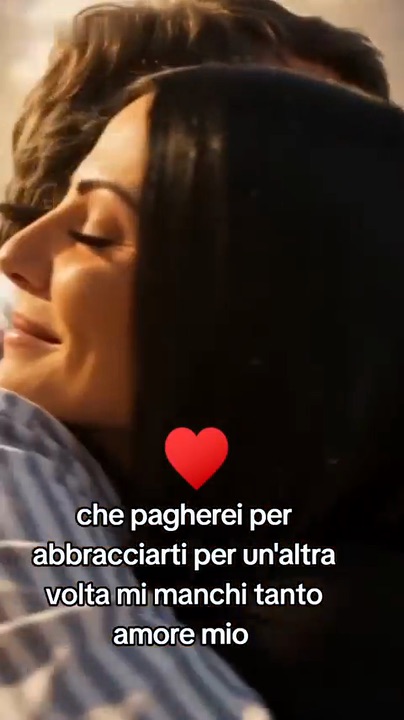
    A long, tight embrace, close up; then the camera slowly pulls back to the two of you in the clouds.
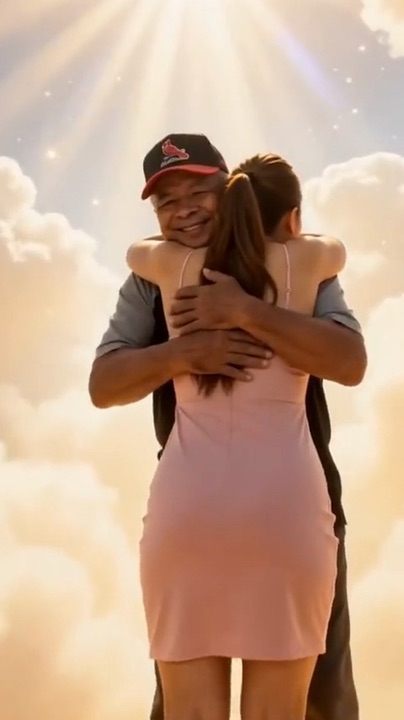
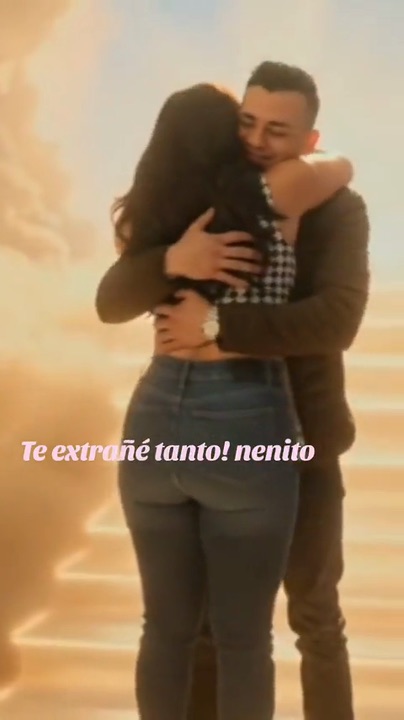
On TikTok

The Hug From Heaven AI videos on TikTok

Hugs from heaven that people made with the same stairway in the clouds. Is one of these the one you saw?

How to

How to make a Hug From Heaven AI video

This heaven AI video generator needs two photos, so take a little time to choose them. Everything else, the clouds, the golden stairway and the light, is already set.

  1. 01

    Step 1: Add their photo

    In the first slot, add a clear photo of the person who passed, alone, waist-up or more. An old print works if you photograph it flat in daylight.

  2. 02

    Step 2: Add your photo

    In the second slot, add a photo of you alone, full length if you can, with your face clear. You run up the stairs and then hold them, so your clothes and build matter as much as your face; you do not need to look sad in it.

  3. 03

    Step 3: Confirm

    Tick the box to confirm the photos show you and your own family member or close friend. Both photos stay in place if you sign in or add credits.

  4. 04

    Step 4: Make the video

    Press the button. Your hug from heaven AI video renders on its own; you can close the page and find it later in My videos.

  5. 05

    Step 5: Watch it alone first

    Give yourself a quiet moment the first time. If it does not feel like them, a clearer photo of them usually helps the most.

  6. 06

    Step 6: Keep it or share it

    Download it. Keep it on your phone, send it to one person, or post it on TikTok with the AI label on.

Make our hug from heaven
Sample photo of an adult, face clearYour loved one
Sample photo of an adult, face clearYou
This scene: The stairway hugThis scene
Your two photos go in, and this scene comes out with both of them in it.

Your photo

Hug From Heaven AI: which photos to use

In a hug from heaven AI video, their photo becomes the person waiting at the top of the stairs, and yours becomes the one running up to them. They are seen from the front, smiling with open arms and then holding you, so a clear, front-facing photo of them matters most: pick one where they look like themselves on a good day, with their usual glasses, their usual smile, the cardigan they always wore. You are seen mostly from behind, head to toe as you run and then close in the hug, so a full-length photo of you alone keeps your clothes, hair and build right; you do not need to look sad in it.

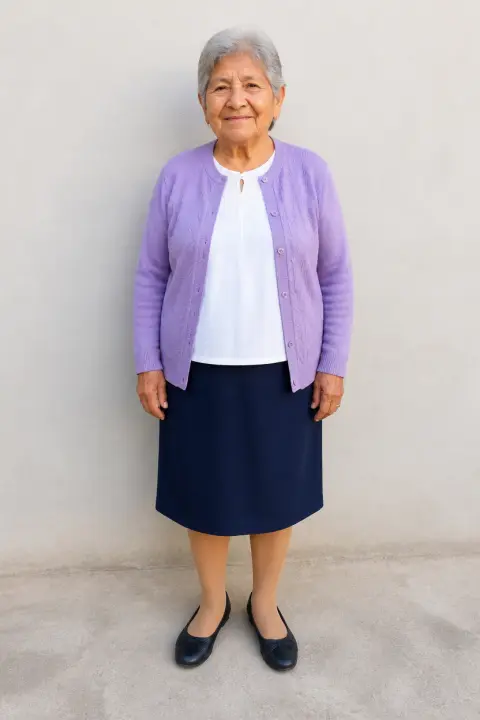
  • Sample photo: an older woman with short gray hair in a lavender cardigan, standing and smiling, face clearly visible
    Clear face, good light
  • Face in shadowTryTurn toward a window
    Face in shadow
  • Heavy filterTryUse the original photo
    Heavy filter
  • Face too smallTryStep closer: waist-up or full length
    Face too small

Works

  • Their photo: one adult, alone, face clear, waist-up or more
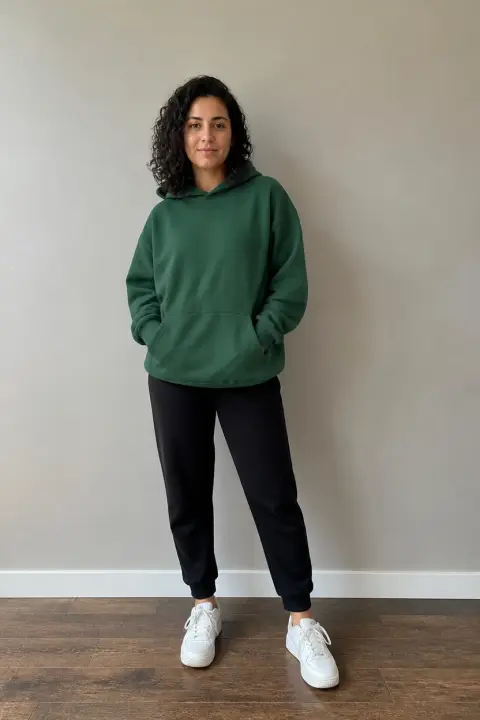
  • Your photo: you alone, full length if you can, face clear
  • Daylight or a bright room, no heavy filters, text or stickers
  • An old print of them, photographed flat without glare, is fine

Skip

  • One photo with both of you in it (crop them apart)
  • Faces in shadow, sunglasses, masks, faces turned away
  • A face-only close-up for your photo: you are seen head to toe
  • Children, public figures, anyone who is not your family or close friend

Background

Where the Hug From Heaven AI trend came from

It grew out of a quieter habit: people making short AI clips of one more moment with someone they lost. Dates come from news reports and the TikTok posts.

  1. 2024

    Hugs from photos

    AI “hug” videos spread on TikTok: one photo of you and one of someone you lost, turned into an embrace. In Malaysia, one woman’s video with her late grandfather neared a million views, the New Straits Times reported.

  2. August 2026

    The stairway hug

    The stairway hug reaches TikTok: someone runs up a golden stairway in the clouds into the arms of the person waiting at the top, and people start making their own.

  3. September 26, 2026

    One more hug

    A TikTok user posts her own hug from heaven AI video, with the song and nothing else over it.

  4. Mid to late October 2026

    Toward November

    Similar memorial clips keep appearing as the Day of the Dead comes closer; people call them loved ones in heaven. In three days around October 20, sixteen accounts posted them.

Fixes

If your Hug From Heaven AI video looks off

It hurts when a face is almost right. With a hug from heaven AI video, the photos are nearly always the reason.

  • Their face looks different

    They face the camera at the top of the stairs, so start from the clearest photo of them you have: front-facing, sharp, well lit. A side profile or a face in shadow leaves the AI guessing.

  • We ended up in each other’s places

    If you are the one waiting at the top, the photos went into the wrong slots. Their photo goes in the first slot, Your loved one, and yours in the second, You; swap them and make it again.

  • My clothes or body look different

    In a hug from heaven AI video, you are seen head to toe as you run up the stairs, so a close-up of your face leaves your clothes and build to the AI. Use a full-length photo of you alone, in clothes you like, and make it again.

  • Their clothes are different

    They wear what they wear in the photo. A close-up of the face leaves the rest to the AI; a waist-up or full-length photo keeps the cardigan or the shirt they always wore.

  • The photo will not upload

    Use a JPG, PNG or WEBP. iPhone photos saved as HEIC sometimes will not open in a browser; take a screenshot of the photo and upload that.

  • The video did not finish

    If a render fails, the credits go back to your balance on their own. Add both photos again and press the button once more.

Posting

Posting your Hug From Heaven AI video

Many people post a hug from heaven AI video with only a name and the years. If you want words, a few lines others use:

Captions to copy

Hashtags

  • #inlovingmemory
  • #forevermissed
  • #grief
  • #heaven
  • #siempreconmigo
  • #mamaenelcielo
  • #diademuertos
  • #aivideo
  • Show your family first

    If your hug from heaven AI video shows a parent or grandparent, let the family see it before it goes on a feed. A surprise between other videos can be hard.

  • Limit comments if you need to

    TikTok lets you limit or turn off comments on a post. Grief does not need strangers’ opinions.

Pricing

Pay once, spend on any trend

One-time packs, no subscription. Credits never expire and come back if a render fails.

Starter

$9.90

15 credits per $1

150 credits

15 s of video

  • Trends, text and image to video
  • No watermark
  • Credits never expire
Most popular

Creator

$29.90

20 credits per $1 · 33% more

600 credits

1 min of video

  • Trends, text and image to video
  • No watermark
  • Credits never expire

Pro

$59.90

22.5 credits per $1 · 50% more

1,350 credits

2 min 15 s of video

  • Trends, text and image to video
  • No watermark
  • Credits never expire
Best value

Studio

$299

25 credits per $1 · 66% more

7,500 credits

12 min 30 s of video

  • Trends, text and image to video
  • No watermark
  • Credits never expire

Hug From Heaven AI video FAQ

How do I make a hug from heaven AI video?

No app is needed: the hug from heaven AI generator is at the top of this page. Add a photo of the person who passed and a photo of you, tick the box and press the button. When it is ready, download it and keep it or share it; the steps above go through it slowly.

Which photos work best?

For them: a clear, front-facing photo of them alone, waist-up or more, where they look like themselves. For you: a photo of you alone, full length if you can, with your face clear, because you are seen running up the stairs and then close in the hug. An old print of them is fine if you photograph it flat in daylight.

I only have photos of us together. What should I do?

Crop that photo around them for the first slot, so the AI knows who waits at the top; a cropped face that is still sharp works well, and if it comes out tiny or blurry, look for another picture of them alone. For your own slot, a new full-length photo of you alone works better than a crop, since you are seen head to toe on the stairs.

Will they really look like themselves?

Their face, hair and clothes come from the photo you add, and they are seen from the front, waiting at the top of the stairs and then holding you. As with any AI video of deceased loved ones, the photo matters more than anything else: front-facing, sharp and well lit keeps the likeness strongest, while a side profile or a face in shadow leaves the AI guessing.

Can both of my parents be in it?

Each hug from heaven AI video takes two photos: one for the person waiting at the top and one for you. For both parents, make one with each of them; posted one after the other, they feel like two hugs on the same day.

Can I make one with a pet who passed?

Not in this hug from heaven AI version: both photos need to show a person. For a pet, the Day of the Dead page has a version made for animals, My pet is coming home.

Is this the same as the AI hug video?

Yes: it is the hug from heaven AI video, the AI hug set in heaven. In most AI hug videos, as in an AI photo with deceased loved ones, the two of you stand side by side; here they wait for you at the top of a stairway in the clouds, and you run up into their arms.

What happens to the two photos?

Both are used only to make your video and are deleted as soon as the render ends, whether it worked or not. The finished clip waits in My videos for you to download; it is not shown anywhere on this site, and nothing you upload is used to train models.

Why was my photo not accepted?

Use a JPG, PNG or WEBP. iPhone photos saved as HEIC sometimes will not open in a browser, so take a screenshot of the photo and upload that. Very large photos are made smaller for you before they upload.

What if watching it hurts?

Psychologists quoted by Rest of World say videos like this can make grief last longer for some people. If watching it hurts, it is fine to stop; you never have to post it.

Independent tool. Not affiliated with, endorsed by or connected to the TikTok creators who posted the trend, TikTok or any app. Videos are AI-generated; label them as AI when you post.