01One take up to 30 seconds
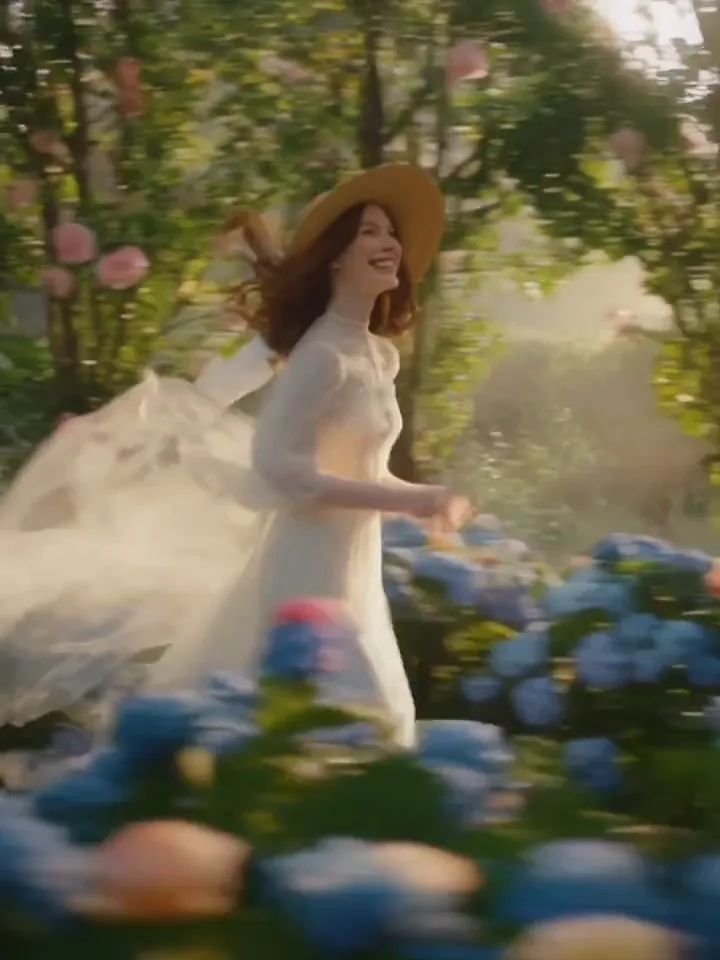
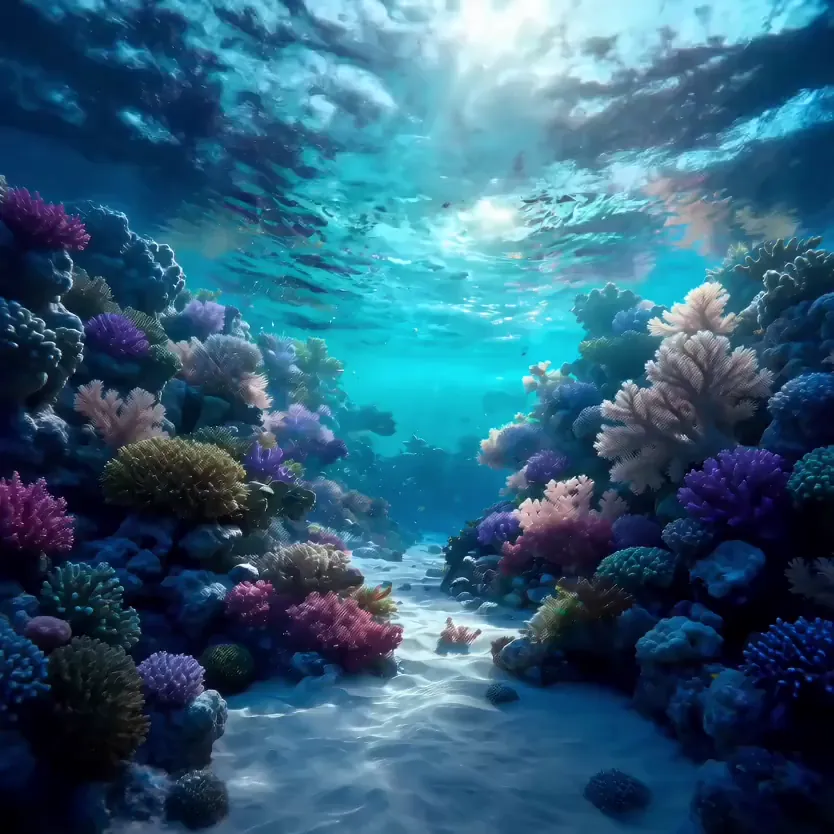
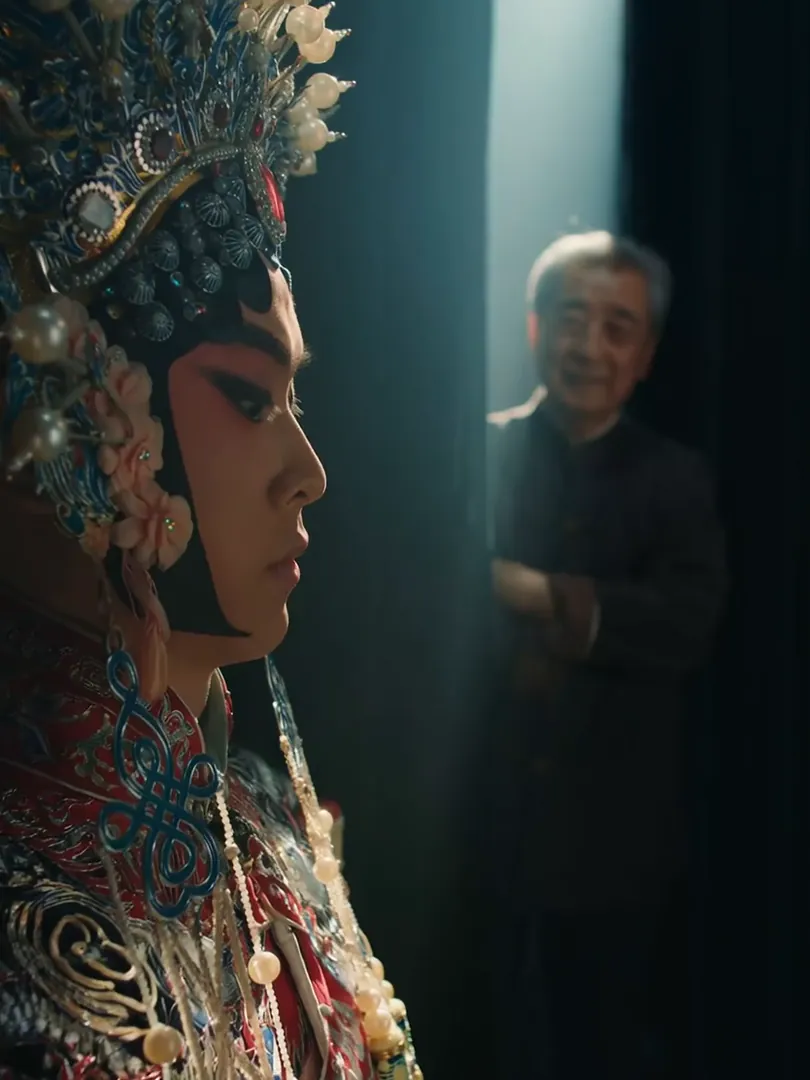
Seedance 2.5 doubles the ceiling of Seedance 2.0: a clip can run anywhere from 4 to 30 seconds in one generation. That is room for a full beat with a setup and a payoff, a product shown from several sides, or a walk through a space, without stitching separate clips together and hoping they match.
02Whole ads and story beats
Thirty seconds is a common length for an ad spot. Write it as a short sequence (the opening image, the action, the closing shot) and let one clip carry it from start to finish. Keeping the whole beat in one run avoids the jumps in light, wardrobe and character you get when joining separate clips.
03Length over resolution
Seedance 2.5 renders at 480p or 720p, and there is no higher setting: that is the model’s limit, the price of its longer takes. For phone screens and social feeds, where most of these clips end up, 720p holds up well. Use 480p while you shape the prompt and 720p for the take you keep.
04Sound across the whole take
Audio is generated together with the video for the full length of the clip, so the ambience of a 25-second scene carries through instead of resetting. Describe the room tone, the effects and the mood of any music in your prompt. Switch audio off in the settings bar if you will score the clip yourself.
05Keeps your photo’s shape
In image-to-video mode, Seedance 2.5 keeps the shape of the image you add: a vertical phone photo gives a vertical clip, a wide landscape gives a wide one. There is no ratio to pick, so crop the picture to the frame you want before uploading, and the clip will follow that crop.
06Six ratios from text
Starting from a prompt alone, choose 9:16 for TikTok, Reels and Shorts, 16:9 for YouTube, 1:1 or 3:4 for feeds, 4:3 for a classic frame, or 21:9 for a wide cinematic strip. Every ratio works with every length from 4 to 30 seconds, so a long vertical take is just one setting away.