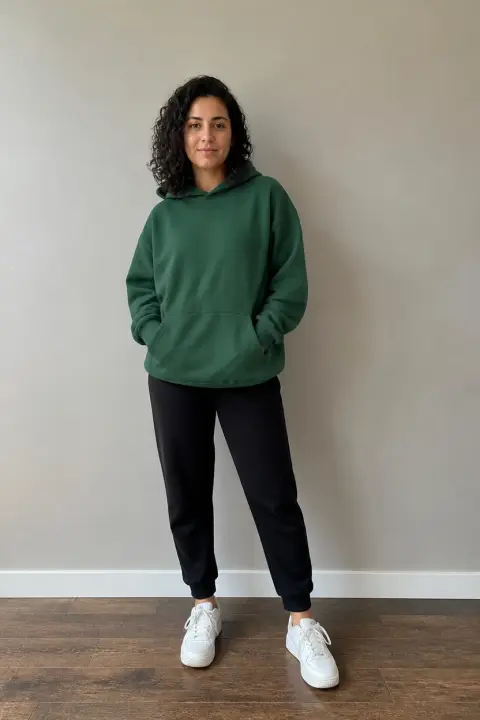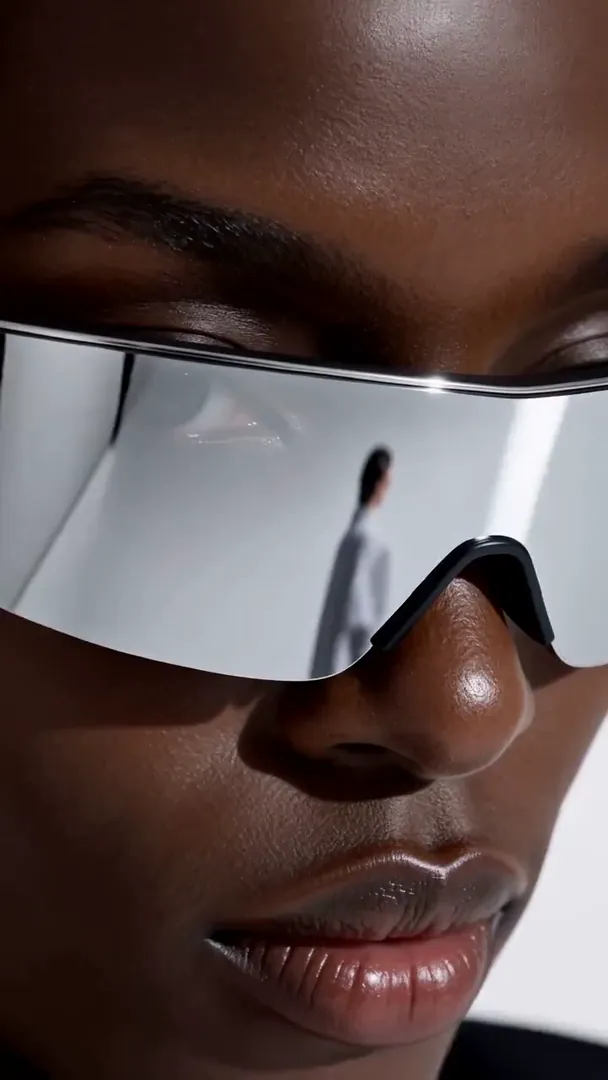
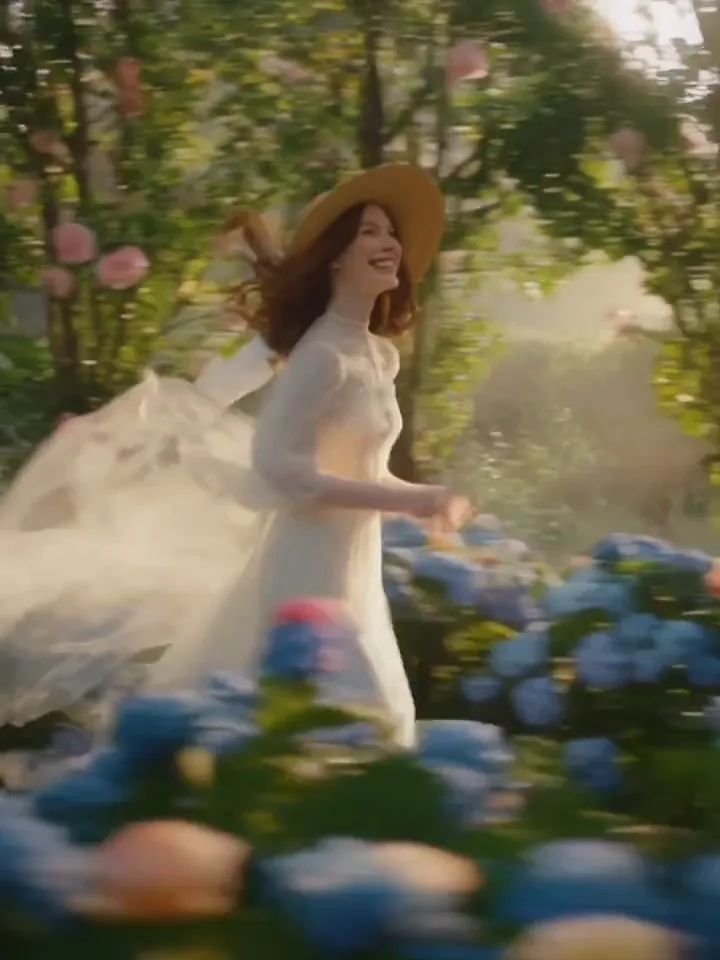
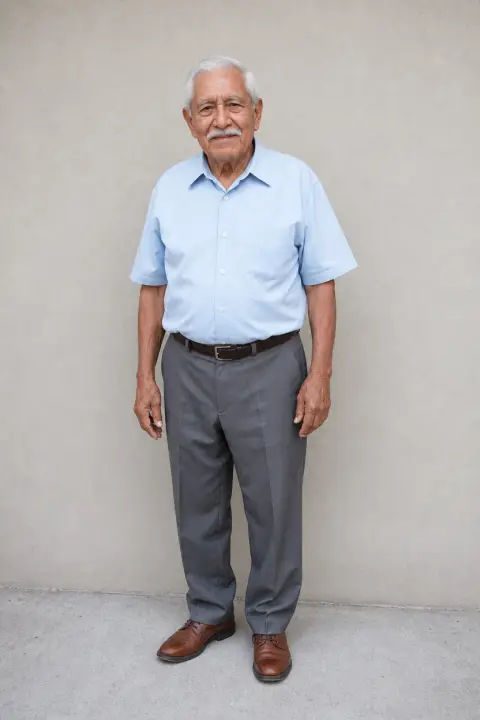
Three ways to use pictures
References: up to four pictures the video draws on, such as a person, a product and a place. First frame: the clip opens on your picture exactly. First & last: it starts on one picture and ends on the other.
Image to video
Start from your own pictures: up to four references the video draws on, or a first frame and a last one. Your prompt decides what happens. Sound included.
Examples
A few clips from each of the three, from a sentence or one picture.
How it works
Pick how they are used: References (up to four pictures of people, products or places), First frame, or First & last. Drop JPG, PNG or WEBP into the slots, paste, or tap to pick. Large phone photos are scaled down for you.
Describe the clip: who moves and how, where the camera goes, what we hear. With references, say what each one is for, like: the woman in image 1 walks into the café in image 2. Then pick the model, length and quality; the button shows the credits before you pay.
Press Create. Your pictures are used for this render only and deleted from our storage as soon as it ends. The finished MP4 waits on the page and in My videos.
Models
All three take references, a first frame, or a first and last frame, with sound; MiniMax H3 can also end on a last frame alone. With frames, Seedance 2.5 and MiniMax H3 keep your picture’s shape and Seedance 2.0 lets you choose; with references, you pick the shape on all three.
Seedance 2.5ByteDance
Long single takes of up to 30 seconds, with sound
Seedance 2.0ByteDance
Shot-by-shot scenes with sound, in any of six shapes
MiniMax H3MiniMax
Short clips in 2K with sound on every one
What you get
References: up to four pictures the video draws on, such as a person, a product and a place. First frame: the clip opens on your picture exactly. First & last: it starts on one picture and ends on the other.
With a first or last frame, Seedance 2.5 and MiniMax H3 keep your image’s proportions and Seedance 2.0 offers six shapes, starting on the closest. With references, you choose the shape.
Wind, voices in the room, a passing car: the models make audio that fits the motion, in the same pass as the picture. Seedance lets you mute it; MiniMax H3 always includes it.
Uploaded pictures are used for one render and deleted when that render ends, whether it worked or not. Only the finished video stays, in your My videos.
First frame
The model can only use what it can see. Clean pictures do more than a long prompt.
01One clear subject
A person, product or animal that fills a good part of the frame, not a crowd.
Half-body portrait, face visible
02Room to move
Leave space in the direction of motion, and avoid cropped heads or hands.
Subject left of center, walking right
03Sharp and well lit
Blur and noise turn into flicker. Use the sharpest version you have.
Daylight, in focus, no heavy filter
04Prompt the change
The image already shows the scene; spend the prompt on motion, camera and sound.
She turns and smiles; slow push-in; café noise
FAQ
You upload pictures and a video model turns them into a clip. Use up to four as references the video draws on, one as the first frame, or two as the first and last frames; your prompt describes the motion, the camera and the sound. The result is an MP4 you can download.
Frames are shown as they are: the clip opens on your first frame and, with First & last, ends on the last one. References are not shown as they are; the model takes the people, products, places or style from them and builds the scene your prompt describes. Use frames when the exact picture matters, references to bring several together.
A sharp picture with one clear subject and some space around it. Portraits, product shots, pets, landscapes and illustrations all work. Very busy scenes, heavy filters and tiny faces give the model less to hold on to.
JPG, PNG and WEBP. Large photos are scaled down in your browser before upload, so pictures straight from a phone work as they are. You can also drag an image onto the box or paste it from the clipboard.
With a first frame or first and last frames, Seedance 2.5 and MiniMax H3 follow the proportions of your picture, and Seedance 2.0 lets you pick one of six shapes, starting on the closest. With references, you pick the shape on every model.
Yes. Frames set where the clip starts or ends, references set who and what is in it, and the prompt says what happens. With references, name them by number, for example: the woman in image 1 walks into the café in image 2.
Yes. Pick First & last and add the picture you want it to end on as the last frame. On MiniMax H3 the first frame is optional, so a clip can also just arrive at your picture.
Yes. All three models generate audio with the picture. On Seedance 2.5 and 2.0 you can turn it off with the speaker button; MiniMax H3 always renders sound.
They are stored only for the render that uses them and deleted as soon as that render ends. Pictures uploaded but never used are cleared out within a day. Only the finished video is kept, in your account.
The model, length and quality set the price; references and frames cost the same. The Create button shows it before you pay. Credits come in one-time packs, never expire, and return to your balance automatically if a render fails.