AI Baby Dance Video Generator

Make an AI Baby Dance video from one photo. Pick Bonito Bonito or Mouse ears, add a photo and watch them dance.

2Your photo

1Pick a template

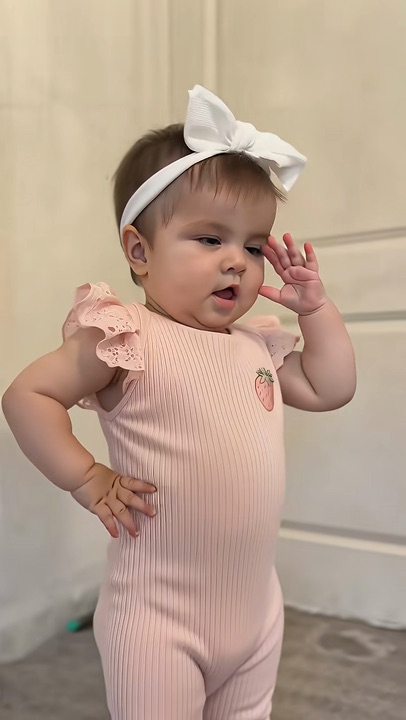
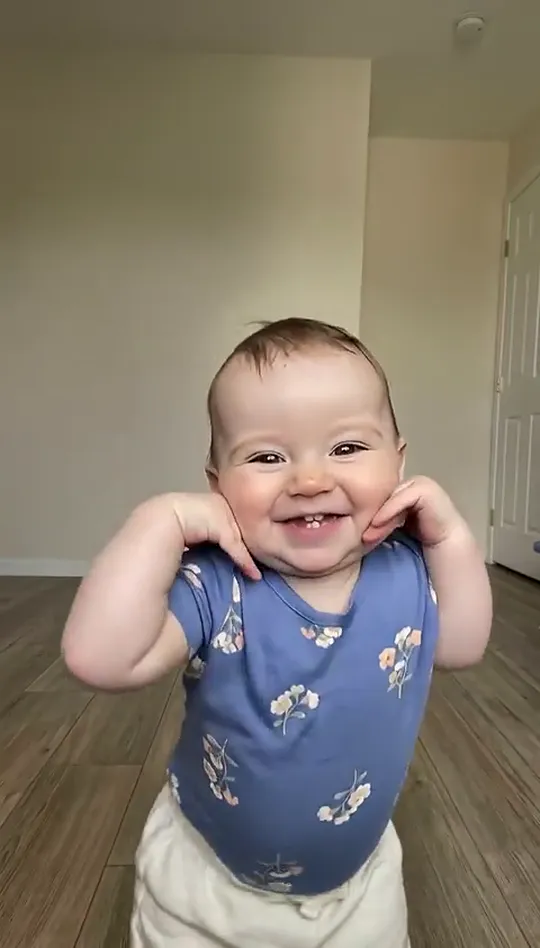
One photo: a dance in the living room to Bonito, Bonito, waving, hands on the cheeks, swaying

2Your photo

What it is

What is the AI Baby Dance trend?

An AI Baby Dance video turns one photo into a little dancer who knows every move. On TikTok the versions people share start with «wait until your baby starts dancing», then the baby on the floor breaks into a full routine to the song.

Two of them lead this autumn: Bonito Bonito, a baby on a wooden floor waving and swaying, past twenty million plays; and Mouse ears, a baby by the closet doors pointing at the camera and stomping. Here you pick one and add the photo.
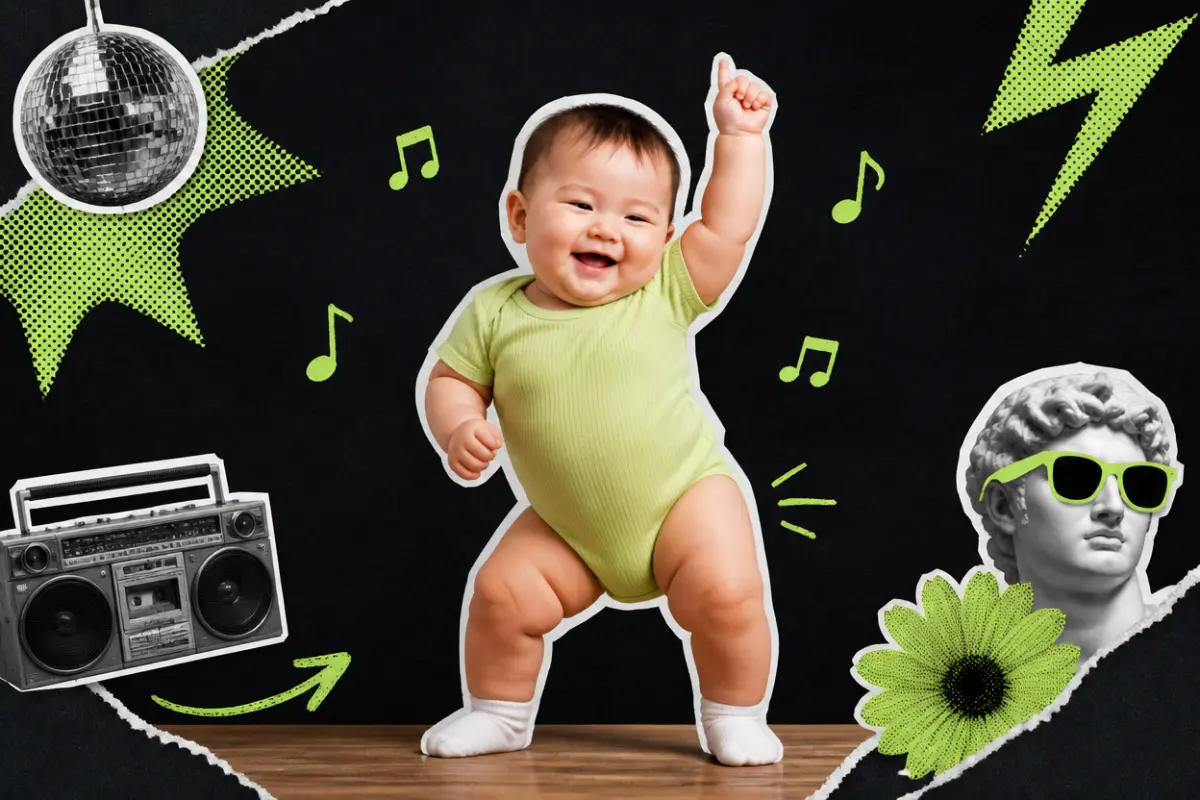
Collage: a smiling baby in a green bodysuit dancing with one hand up, music notes around

What happens, in order

  1. Hello wave1

    Hello wave

    On the living-room floor, a little wave and a clap to start.

  2. Hands on cheeks2

    Hands on cheeks

    Both hands on the cheeks, rocking side to side with a big grin.

  3. Hands crossed3

    Hands crossed

    Hands crossed on the chest, eyes closed, deep in the song.

  4. The sway4

    The sway

    A step to the side and a sway, then back to the camera.
On TikTok

The AI Baby Dance trend on TikTok

The same moves, a different little dancer.

@foufhkfyg1🔥 1.5M

How to

How to make an AI Baby Dance video

No app and no editing. The moves come from the version you pick; you bring the photo.

Make my Baby Dance
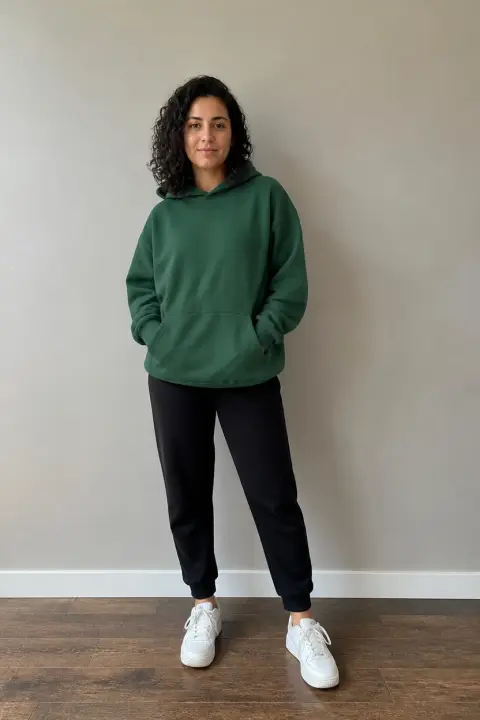
Sample photo of an adult, face clearYour photo
This scene: Bonito BonitoThis scene
Your photo goes in, and this scene comes out with you in it.
  1. 01

    Step 1: Pick a version

    Bonito Bonito or Mouse ears, at the top of this page.

  2. 02

    Step 2: Add one photo

    One clear photo, one subject, full length if you can.

  3. 03

    Step 3: Tick the box

    Confirm you have the right to use the photo.

  4. 04

    Step 4: Make it

    Press the button. The video renders on its own; find it in My videos.

  5. 05

    Step 5: Download and post

    Tap Download MP4, then post it with the AI-generated content label on.

Your photo

AI Baby Dance photo: which one to use

Both versions show the dancer from head to toe, so a full-length photo works best: the clothes and the legs come from it. A sharp face in good light matters most, because the camera comes close.

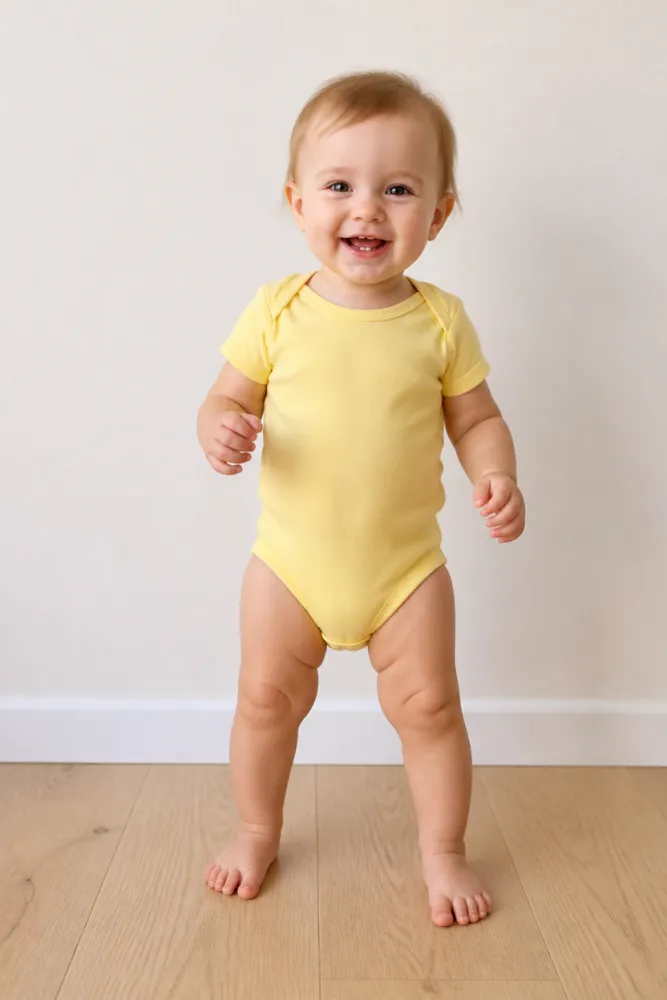
  • Sample photo: a smiling one-year-old in a yellow bodysuit standing barefoot on a wooden floor, full length, face clearly visible
    Clear face, good light
  • Face in shadowTryTurn toward a window
    Face in shadow
  • Heavy filterTryUse the original photo
    Heavy filter
  • Face too smallTryStep closer: waist-up or full length
    Face too small

Works

  • One subject, alone in the photo
  • Full length if you have it
  • Face clear and sharp
  • Daylight or a bright room

Skip

  • Blurry photos or a small face far away
  • Heavy filters
  • Public figures

Background

Where the AI Baby Dance trend came from

Dates come from the TikTok posts.

  1. September 20, 2026

    Wait until your baby starts dancing

    An AI baby dance on a sofa in a pink onesie passes seven million plays, and the line «wait until your baby starts dancing» starts showing up on every version.

  2. October 16, 2026

    Mouse ears

    A baby in a mouse-ear hat dancing by the closet doors passes seven million plays. More versions with other babies follow within days.

  3. October 24, 2026

    Bonito Bonito

    A baby on a wooden floor dancing to Bonito, Bonito passes twenty million plays, the biggest AI baby dance of the autumn.

Fixes

If your AI Baby Dance video looks off

The camera shows the whole body and comes close to the face, so the photo has to get both right.

  • The legs or clothes look invented

    Use a full-length photo; with a close-up, the rest has to be drawn.

  • The face is not quite right

    Use a sharp, front-facing photo in good light, without filters.

  • Two of them in the photo

    Crop it to one before you upload. Each video has one dancer.

  • The photo will not upload

    Use a JPG, PNG or WEBP. If an iPhone photo will not open, upload a screenshot of it.

  • The video did not render

    The credits go back on their own. Add the photo again and press the button.

Posting

Posting your AI Baby Dance video

The captions on these are short. Let the dance do the talking.

Captions to copy

Hashtags

  • #babydance
  • #aibabydance
  • #babydanceai
  • #aibaby
  • #dancingbaby
  • #fyp
  • Use the words people search

    People find these as baby dance ai and ai baby dancing video; put one in the caption.

  • Label it as AI

    Switch on TikTok’s AI-generated content label before you post.

Pricing

Pay once, spend on any trend

One-time packs, no subscription. Credits never expire and come back if a render fails.

Starter

$9.90

15 credits per $1

150 credits

15 s of video

  • Trends, text and image to video
  • No watermark
  • Credits never expire
Most popular

Creator

$29.90

23.5 credits per $1 · 56% more

700 credits

1 min 10 s of video

  • Trends, text and image to video
  • No watermark
  • Credits never expire

Pro

$59.90

26.5 credits per $1 · 76% more

1,600 credits

2 min 40 s of video

  • Trends, text and image to video
  • No watermark
  • Credits never expire
Best value

Studio

$299

30 credits per $1 · 100% more

9,000 credits

15 min of video

  • Trends, text and image to video
  • No watermark
  • Credits never expire

Baby Dance AI video FAQ

How do I make an AI Baby Dance video?

Pick Bonito Bonito or Mouse ears, add one clear photo, tick the box and press the button at the top of this page. When it is ready, download it and post it.

Do I need an app or a filter?

No. It all happens on this page, on a phone or a computer: one photo in, an AI Baby Dance video out.

What happens to my photo?

It is used only to make your video and is deleted when you delete the video. Nothing you upload is used to train models.

Independent tool. Not affiliated with, endorsed by or connected to the TikTok creators behind these videos, the songs’ artists, TikTok or any app. Videos are AI-generated; label them as AI when you post.