

Home Alone AI Video Generator

Make a Home Alone AI video from your photos. You and a friend turn into the two Christmas burglars and dance side by side at home.

The living-room danceFrom @viralfx.ai

2Your photos

Make a Home Alone AI video from your photos. You and a friend turn into the two Christmas burglars and dance side by side at home.

1Pick a template

Your photos

Pick a template

What it is

What is the Home Alone AI filter?

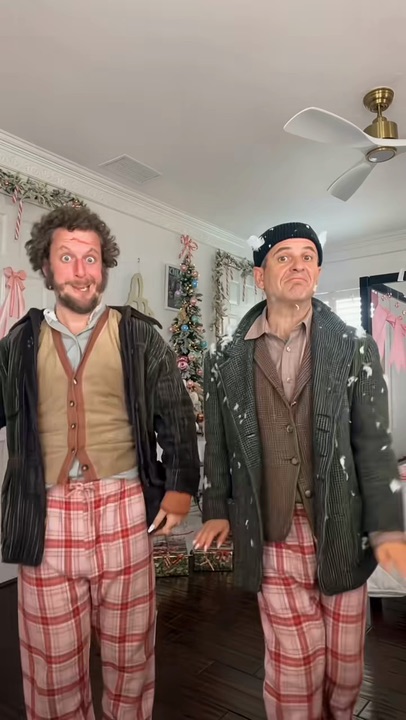
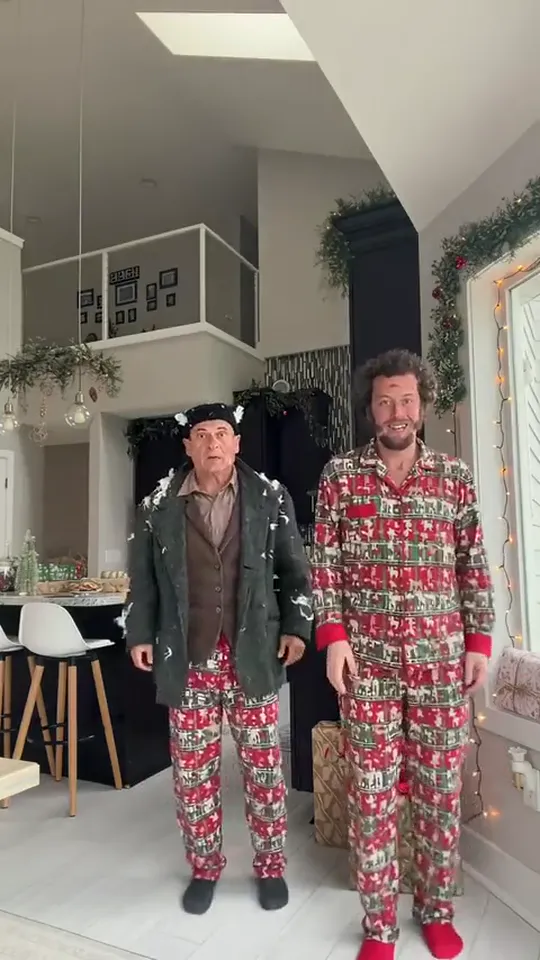
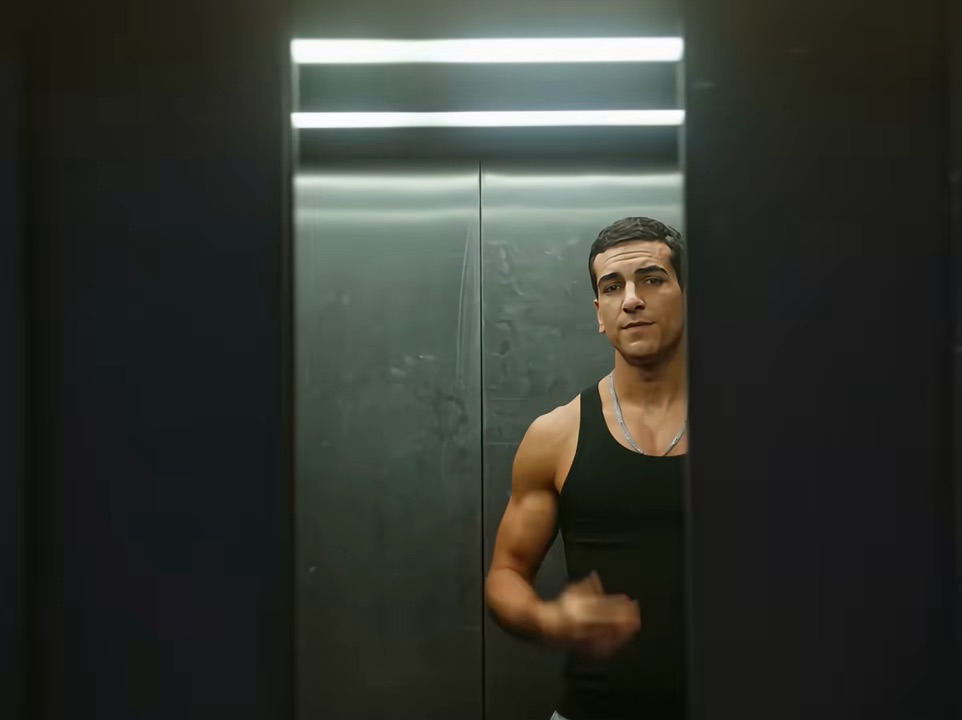
The Home Alone AI filter turns you and a friend into the two burglars from the Christmas film, one in an old green coat covered in feathers, the other in Christmas pajamas. The two of you dance side by side in a bright Christmas living room, or you take a mirror selfie while your friend pops up from your back. On your own, you dance in a town square full of Christmas lights.

In Home Alone, from 1990, they are Harry and Marv, the Wet Bandits, who try to break into a house at Christmas. The filter showed up on TikTok on November 12, 2026, and by November 23 the climb-on selfie and the dance had each passed four million plays. Here the clothes, the house and the moves come with each Home Alone AI template; the faces and hair are the ones in your photos.
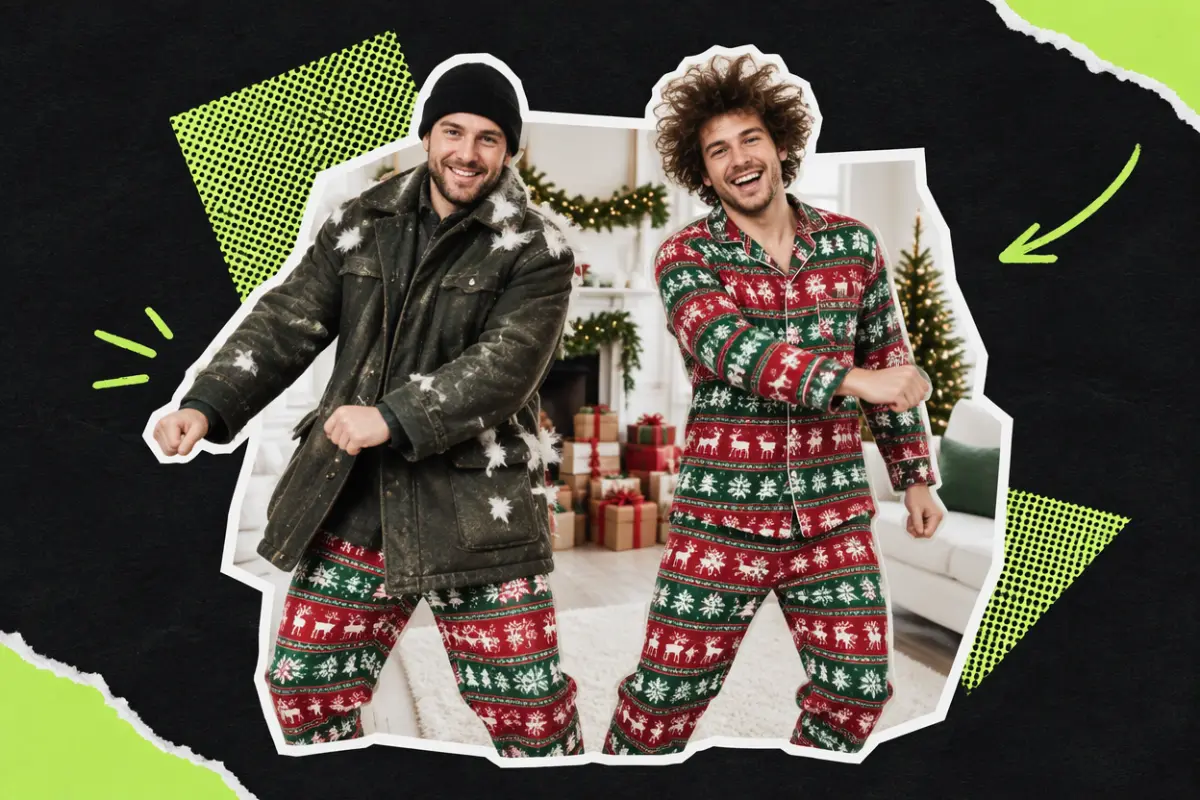
Dance the Deck the Halls routine as yourselves

Collage: two men dancing side by side in a Christmas living room, one in a black knit beanie and a feathered green coat, one with curly hair in Christmas pajamas

What happens, in order

  1. Your friend walks in1

    Your friend walks in

    You wait in Christmas pajamas while your friend comes in from the kitchen.

  2. Side by side2

    Side by side

    Your friend in the feathered green coat takes the left, and the dance starts.

  3. In step3

    In step

    The two of you dance the same moves, facing the camera.

  4. To the end4

    To the end

    You both step forward and keep dancing to the end.
On TikTok

The Home Alone AI trend on TikTok

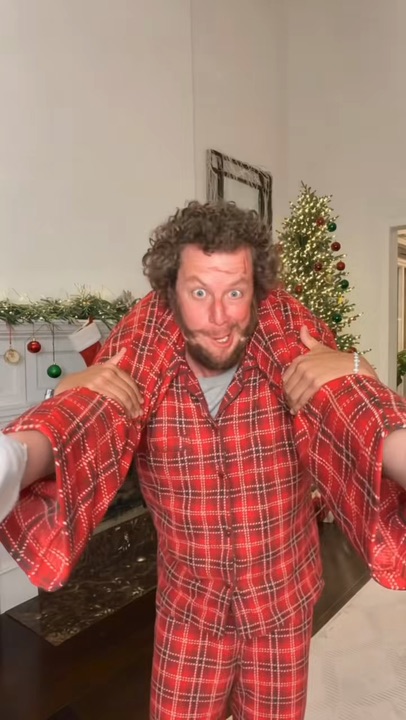
The same filter, also called the Wet Bandits filter, on other pairs: the beanie climbing onto a back wrapped in a red plaid blanket, and the dance in another Christmas living room.

@viralfx.ai🔥 1.8M
@viralfx.ai🔥 1.1M

How to

How to make the Home Alone AI video

One photo of you, and one of a friend if you like. The clothes, the house and the moves come with the template.

Make my Home Alone video
Sample photo of an adult, face clearYou, in the pajamas
Sample photo of an adult, face clearFriend in the green coat
This scene: The living-room danceThis scene
Your photos go in, and this scene comes out with all of you in it.
  1. 01

    Step 1: Pick a template

    The living-room dance, the climb-on selfie, or the solo street dance.

  2. 02

    Step 2: Add your photo

    One subject, face clear. You get the Christmas pajamas.

  3. 03

    Step 3: Add a friend, or leave it

    Your friend gets the feathered green coat. Leave the slot empty and someone else plays it, or switch to one photo of the two of you.

  4. 04

    Step 4: Make it

    Press the button. The video renders on its own; find it in My videos.

  5. 05

    Step 5: Download and post

    Tap Download MP4, then post it with the AI-generated content label on.

Your photo

Which photos to use for the Home Alone AI template

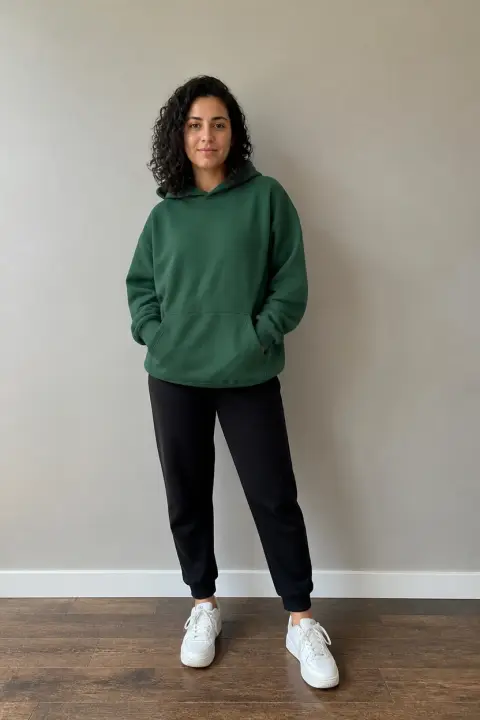
The clothes come with each look; the face and the hair come from your photo, so a sharp, front-on face in good light matters most. Add one photo each, or one photo of the two of you.

  • Sample photo: a young man with short dark curly hair in a white track jacket and black joggers, standing and smiling, face clearly visible
    Clear face, good light
  • Face in shadowTryTurn toward a window
    Face in shadow
  • Heavy filterTryUse the original photo
    Heavy filter
  • Face too smallTryStep closer: waist-up or full length
    Face too small

Works

  • One subject in each photo
  • Face clear, front-on and uncovered
  • Head and shoulders or more
  • Good light, no heavy filters

Skip

  • Sunglasses, masks or a hand over the face
  • A group photo where the faces are tiny
  • Dark or blurry shots

Background

Where the Home Alone trend came from

A Christmas film from 1990 and an AI filter from November 2026. The dates come from the TikTok posts and Google.

  1. 1990

    Home Alone

    In the Christmas film, two burglars, one in a black knit beanie and one with curly hair, try to break into a house where a boy has been left at home.

  2. November 12, 2026

    The filter appears

    The first AI versions turn pairs of friends into the two burglars: one rides on the other’s back and pops up in the beanie. One of them has since passed a million plays.

  3. November 14–15, 2026

    The selfie and the dance

    A dance side by side in a Christmas living room and the climb-on mirror selfie come out; each has since passed four million plays.

  4. November 17–20, 2026

    Solo versions

    Searches for “home alone ai” pick up on Google every day, and one-person versions follow, the curly-haired one dancing alone in a square full of Christmas lights.

Fixes

If your Home Alone AI video looks off

Most problems start with one of the photos.

  • Someone does not look like themselves

    Use a sharp photo with the face front-on and uncovered, in good light, and make it again.

  • We got each other’s look

    Your photo gets the pajamas, your friend’s the feathered coat. Swap the photos, or check the order in your photo together.

  • No beanie or curly hair

    Hair and hats come from your photos. Write “a black knit beanie” or “wild curly hair” in “Add your own details” and make it again.

  • A photo will not upload

    Use a JPG, PNG or WEBP. If an iPhone photo will not open, upload a screenshot of it.

  • The video did not render

    The credits go back on their own. Add the photos again and press the button.

Posting

Posting your Home Alone meme

Tag your partner in crime and add the words people search, like “home alone filter”, “home alone filter ai” or “wet bandits filter”.

Captions to copy

Hashtags

  • #homealone
  • #homealonefilter
  • #wetbandits
  • #christmas
  • #marvmurchins
  • #harrylime
  • #aivideo
  • #fyp
  • Tag your partner in crime

    The joke lands when people know who the two burglars are. Tag your friend.

  • Label it as AI

    Switch on TikTok’s AI-generated content label before you post.

Pricing

Pay once, spend on any trend

One-time packs, no subscription. Credits never expire and come back if a render fails.

Starter

$9.90

15 credits per $1

150 credits

15 s of video

  • Trends, text and image to video
  • No watermark
  • Credits never expire
Most popular

Creator

$29.90

23.5 credits per $1 · 56% more

700 credits

1 min 10 s of video

  • Trends, text and image to video
  • No watermark
  • Credits never expire

Pro

$59.90

26.5 credits per $1 · 76% more

1,600 credits

2 min 40 s of video

  • Trends, text and image to video
  • No watermark
  • Credits never expire
Best value

Studio

$299

30 credits per $1 · 100% more

9,000 credits

15 min of video

  • Trends, text and image to video
  • No watermark
  • Credits never expire

Home Alone AI video FAQ

How do I make the Home Alone AI video?

Pick a template, add your photo and a friend’s if you like, and press the button at the top of this page. When it is ready, download it and post it with the AI label on.

Do I need an app or the Home Alone filter?

No. The Home Alone AI filter on TikTok, which some call the Wet Bandits filter, lives inside an app; here the clothes, the house and the moves come with each template, and it all happens in your browser, on a phone or a computer.

Can I make it with just one photo?

Yes. Fill only your own slot and someone else plays your friend, or pick the solo street dance.

What happens to our photos?

They are used only to make your video and are deleted when you delete the video. Nothing you upload is used to train models.

Independent, unofficial tool. Not affiliated with or endorsed by the makers or owners of Home Alone, the people in the TikTok posts, TikTok or any app. Videos are AI-generated; label them as AI when you post.