AI Christmas Video Generator

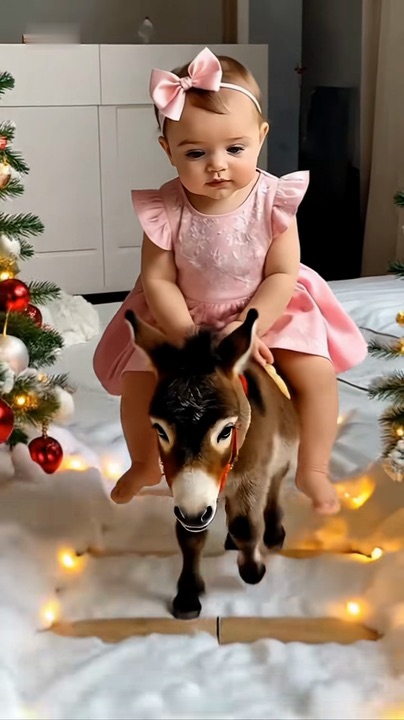
Make an AI Christmas video from one photo. A ride on a little donkey past the tree, the floor turning to snow under its hooves.

Burrito SabaneroFrom @salomecardona1623

Your photo

What it is

What is an AI Christmas video?

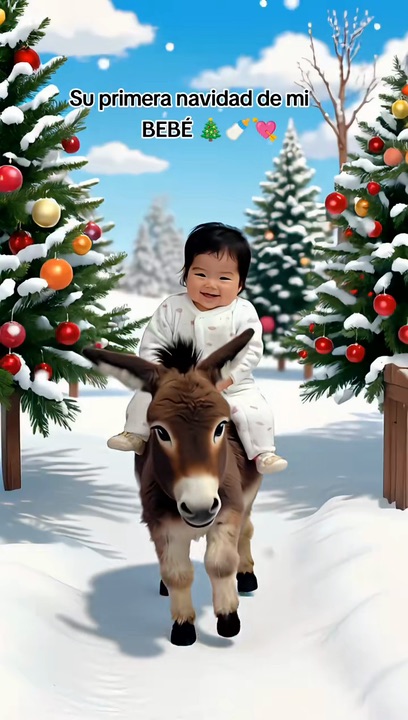
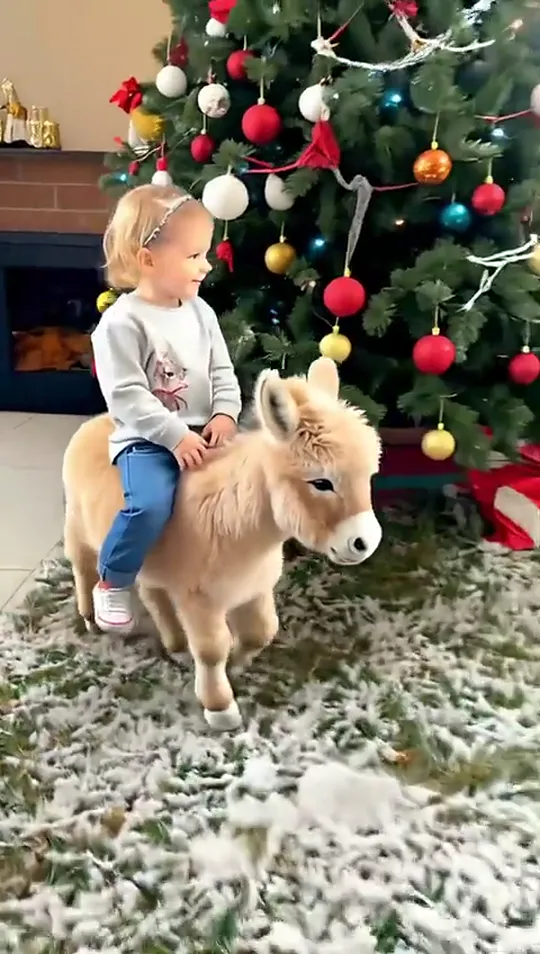
An AI Christmas video turns one photo into a Christmas scene that moves. The one people remake most is Mi Burrito Sabanero: a ride on a fluffy little donkey across the living room, past the fireplace and the tree, while the floor turns to snow.

It takes its name from Mi Burrito Sabanero, the Venezuelan Christmas song these videos play. In December 2025 two versions of the ride passed three million plays each, and in November 2026 the AI Christmas video is being searched again.
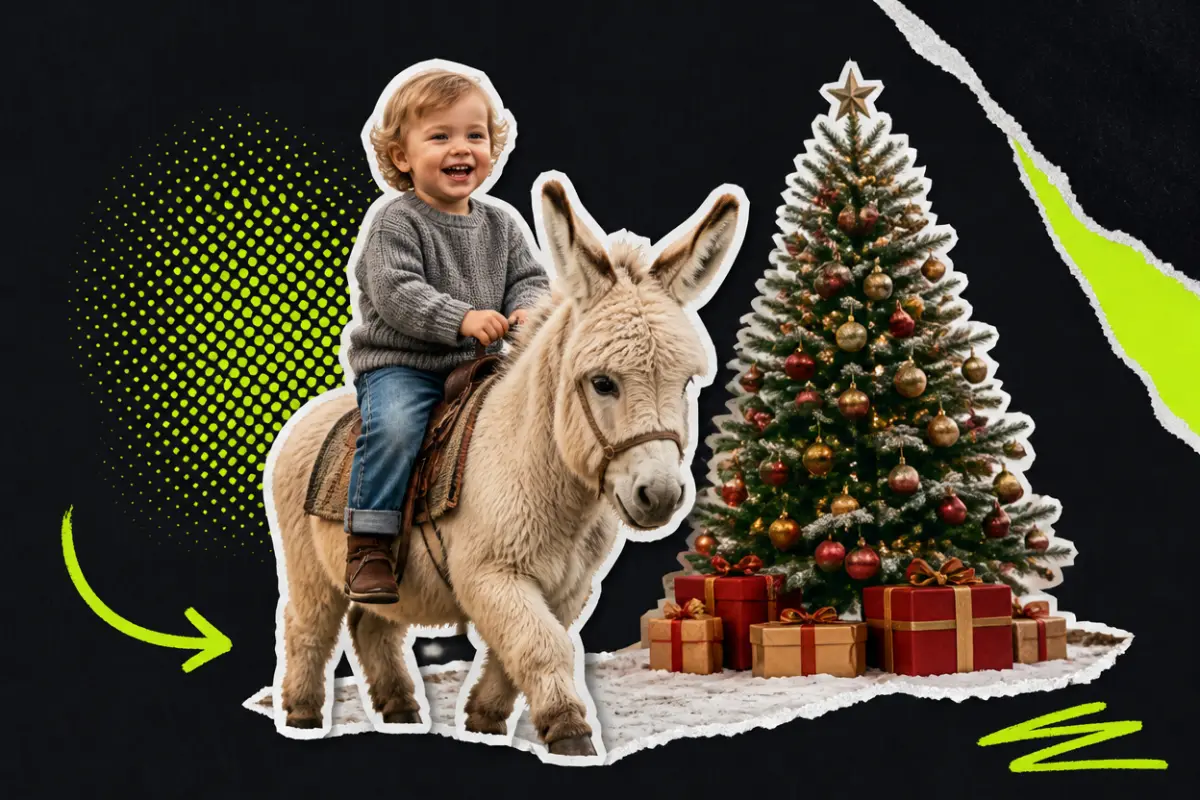
Collage: a smiling toddler riding a small fluffy donkey past a decorated Christmas tree, gifts and a little snow on the ground

What happens, in order

  1. By the fireplace1

    By the fireplace

    A little donkey trots across the living room with its rider.

  2. Snow underfoot2

    Snow underfoot

    The tiles turn to snow under its hooves.

  3. The big tree3

    The big tree

    Past the tree with its red and white baubles.

  4. Trees all round4

    Trees all round

    More Christmas trees on every side, and a look around.
On TikTok

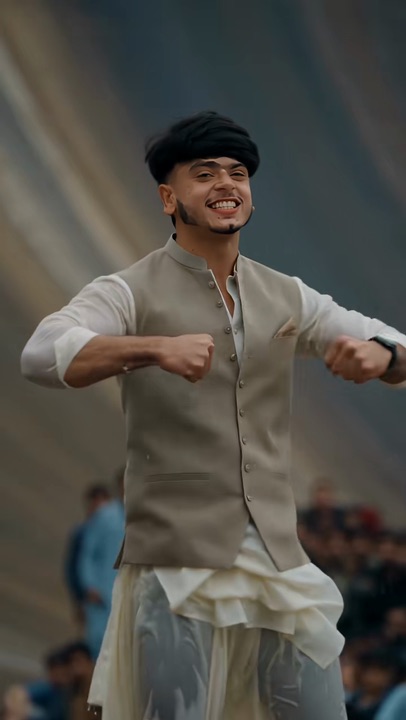
The Burrito Sabanero Christmas AI trend on TikTok

The same donkey ride, a different rider.

@miagvc14🔥 3.3M
@rooz_m.capcut🔥 1.3M

How to

How to make an AI Christmas video

No app and no editing. The donkey, the tree and the snow come from the template; you bring the photo.

Make my Christmas video
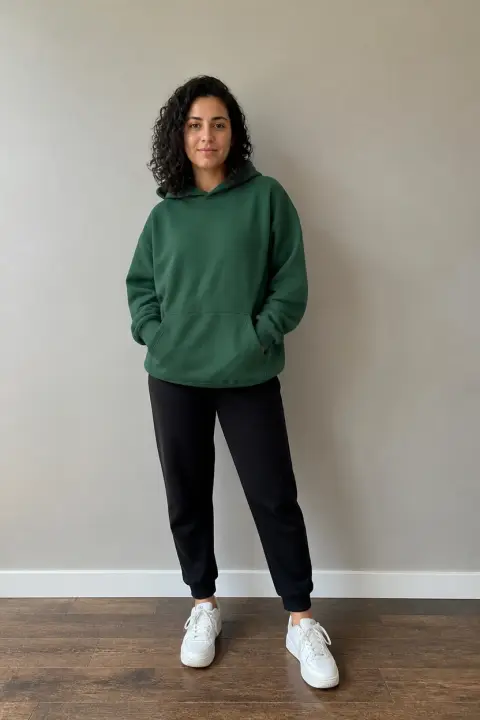
Sample photo of an adult, face clearYour photo
This scene: Burrito SabaneroThis scene
Your photo goes in, and this scene comes out with you in it.
  1. 01

    Step 1: Add one photo

    One clear photo with one subject, full length if you can.

  2. 02

    Step 2: Add your own details

    Optional: a red hat, a scarf, a snowy night. Open Add your own details and write it in one line.

  3. 03

    Step 3: Tick the box

    Confirm you have the right to use the photo.

  4. 04

    Step 4: Make it

    Press the button. The video renders on its own; find it in My videos.

  5. 05

    Step 5: Download and post

    Tap Download MP4, then post it with the AI-generated content label on.

Your photo

Which photo to use for an AI Christmas video

The camera follows the rider from a few steps away, head to toe, so a full-length photo works best: the clothes and the legs come from it. A sharp face in good light matters most.

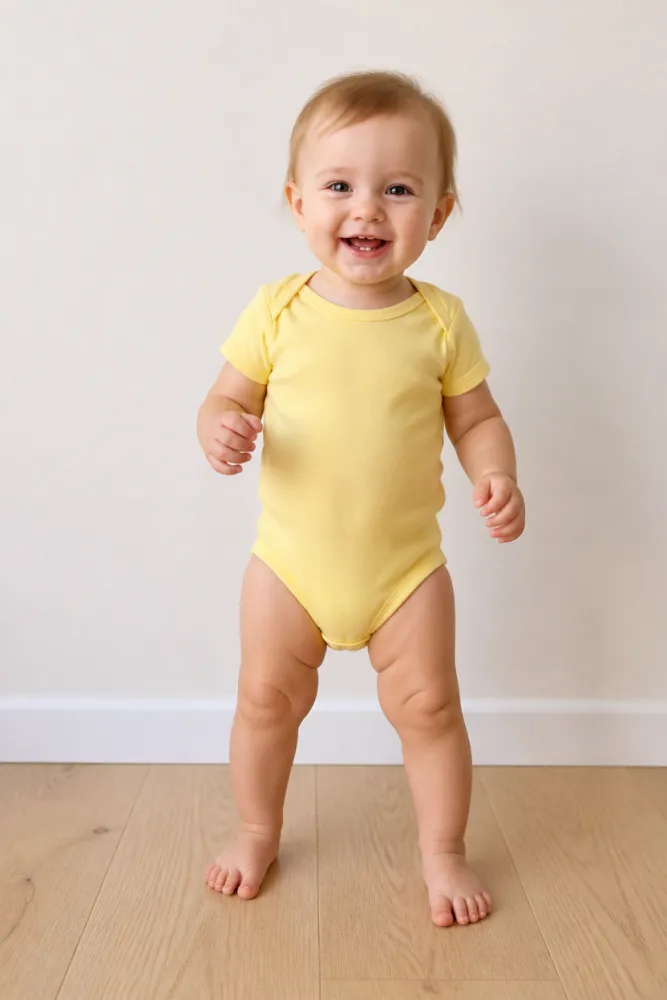
  • Sample photo: a smiling one-year-old in a yellow bodysuit standing barefoot on a wooden floor, full length, face clearly visible
    Clear face, good light
  • Face in shadowTryTurn toward a window
    Face in shadow
  • Heavy filterTryUse the original photo
    Heavy filter
  • Face too smallTryStep closer: waist-up or full length
    Face too small

Works

  • One subject, alone in the photo
  • Full length if you have it
  • Face clear and sharp
  • Daylight or a bright room

Skip

  • Blurry photos or a small face far away
  • Heavy filters
  • Sunglasses or a hand over the face

Background

Where the AI Christmas video trend came from

Dates come from the TikTok posts and Google.

  1. December 8, 2025

    Mi Burrito Sabanero

    An AI video of a toddler riding a little donkey past the Christmas tree, the floor turning to snow, goes up to Mi Burrito Sabanero and passes 3.6 million plays.

  2. December 20, 2025

    A first Christmas

    A first-Christmas version opens on a photo of a baby on the bed and turns into the same ride, on a snowy road between Christmas trees. It passes 3.2 million plays.

  3. November 2, 2026

    Searched again

    “AI Christmas video” starts climbing on Google, with “generator” and “maker” among the suggestions under it.

Fixes

If your AI Christmas video looks off

The camera shows the rider from head to toe and the face is small for most of the ride, so the photo has to be sharp.

  • The face is not quite right

    Use a sharp, front-facing photo in good light, without filters.

  • The clothes look invented

    Use a full-length photo; with a close-up, the rest has to be drawn.

  • Two people in the photo

    Crop it to one before you upload. Each video has one rider.

  • The photo will not upload

    Use a JPG, PNG or WEBP. If an iPhone photo will not open, upload a screenshot of it.

  • The video did not render

    The credits go back on their own. Add the photo again and press the button.

Posting

Posting your AI Christmas video

The captions on these are short and warm.

Captions to copy

Hashtags

  • #miburritosabanero
  • #burritosabanero
  • #christmas
  • #navidad
  • #aivideo
  • #fyp
  • Use the words people search

    People find these as christmas ai video, christmas family ai and the christmas ai trend; put one in the caption.

  • Label it as AI

    Switch on TikTok’s AI-generated content label before you post.

Pricing

Pay once, spend on any trend

One-time packs, no subscription. Credits never expire and come back if a render fails.

Starter

$9.90

15 credits per $1

150 credits

15 s of video

  • Trends, text and image to video
  • No watermark
  • Credits never expire
Most popular

Creator

$29.90

23.5 credits per $1 · 56% more

700 credits

1 min 10 s of video

  • Trends, text and image to video
  • No watermark
  • Credits never expire

Pro

$59.90

26.5 credits per $1 · 76% more

1,600 credits

2 min 40 s of video

  • Trends, text and image to video
  • No watermark
  • Credits never expire
Best value

Studio

$299

30 credits per $1 · 100% more

9,000 credits

15 min of video

  • Trends, text and image to video
  • No watermark
  • Credits never expire

AI Christmas Video FAQ

How do I make an AI Christmas video?

Add one clear photo, tick the box and press the button at the top of this page. When it is ready, download it and post it.

Do I need an app or a filter?

No. This page is the AI Christmas video maker: it all happens here, on a phone or a computer, one photo in and a video out.

Do I need a Christmas video AI prompt?

No. The template already holds the donkey, the tree and the snow. To change something, open Add your own details and write it in one line, such as a red hat or a snowy night outside.

What happens to my photo?

It is used only to make your video and is deleted when you delete the video. Nothing you upload is used to train models.

Independent tool. Not affiliated with, endorsed by or connected to the TikTok creators behind these videos, the song’s writers and performers, TikTok or any app. Videos are AI-generated; label them as AI when you post.