
Copy Any TikTok With Your Photo
Paste a link, pick up to 30 seconds, add one photo. You take the main person’s place; the moves, the camera and the sound stay.
Paste a link, pick up to 30 seconds, add one photo. You take the main person’s place; the moves, the camera and the sound stay.
Your photo
How it works
How to copy any TikTok with your photo
- 01
 0:36tiktok.com/@you/video/7705092962…Got the video
Paste the link
Any public TikTok, Reel or Short, or upload the clip from your phone.
- 02
Up to 30 s · 0:03 – 0:3330 s
Pick up to 30 seconds
Drag the window over the part you want. You pay for the seconds you pick.
- 03
Add your photo
One person, face clear. The clip stays in My templates, so the next photo goes straight in.
Before you start
Which TikToks and photos copy best
The clip
- One person leads it: the one who is on screen the most becomes you.
- Their face is seen clearly at some point, not only from behind.
- Real footage copies most closely; a cartoon or game clip can come back drawn differently.
- Any length: you pick the 30 seconds you want.
Your photo
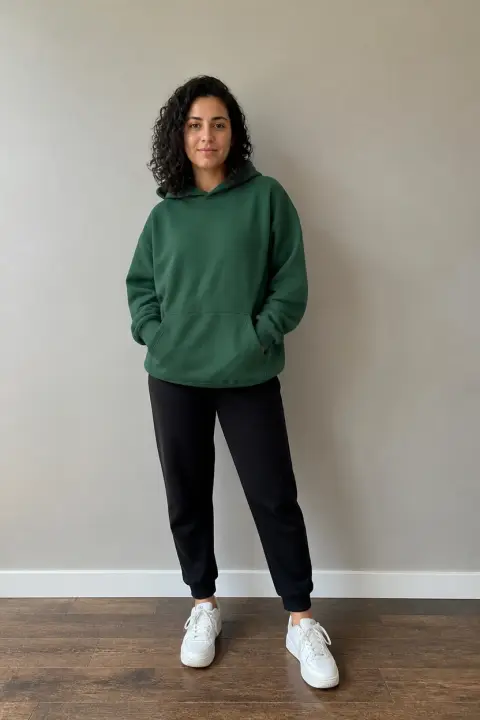
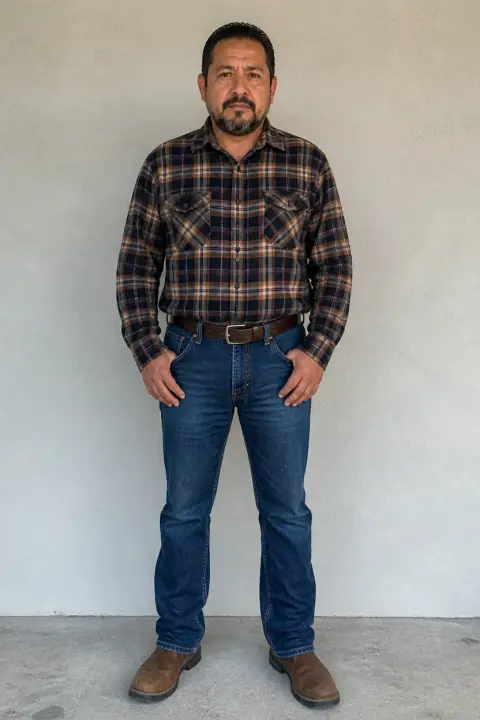
- Just you, face to the camera, nothing over it.
- Waist-up or full length, so your clothes come along.
- Daylight or a bright room; no beauty filter.
- The clothes in the photo are the clothes in the video.
Questions
Copy any TikTok: questions
What comes back?
The same clip with you as its main person: your face, hair and clothes from the photo. The moves, the camera, the cuts and the clip’s own sound stay, and so does everyone else in it.
My clip is longer than 30 seconds.
Paste it anyway. A trimmer opens under the video: drag it over the part you want, up to 30 seconds.
Can I make another one from the same clip?
Yes. Every clip you copy is kept in My templates. Open it there, add a different photo and press the button; the clip is not cut again.
What if the clip shows a TV logo or a known character?
We make it as it is first. If the AI refuses it as someone’s copyright, we turn the clip into a plain 3D sketch of the same moves and make your video from that, without the logo. It takes a few minutes longer and costs nothing more; the background can look different from the original.
What if it does not work?
Your credits come back on their own, and the clip stays in My templates for another try.
Does my video keep the original sound?
Yes. The sound of the part you picked, music and voices, is laid back over your finished video exactly as it was in the clip, so it lines up with the moves.
Can I change my clothes or the background?
Your clothes come from your photo. For anything else, write it in the details box under the photo, such as “at night in the rain”; the moves and the camera stay as they are in the clip.
Is the video vertical?
Every video comes out vertical, ready for TikTok, Reels and Shorts. A wide clip sits whole in the middle over a soft blur of itself, the way TikTok shows one.