GTA 6 AI Video Generator

Make a GTA 6 AI video from one photo. Say goodbye to the GTA 5 crew and walk into Vice City, or become a GTA loading screen.

Goodbye GTA 5, hello GTA 6From @capcut.templates5784

2Your photo

1Pick a template

2Your photo

GTA title on screen

What it is

What is the GTA 6 AI trend?

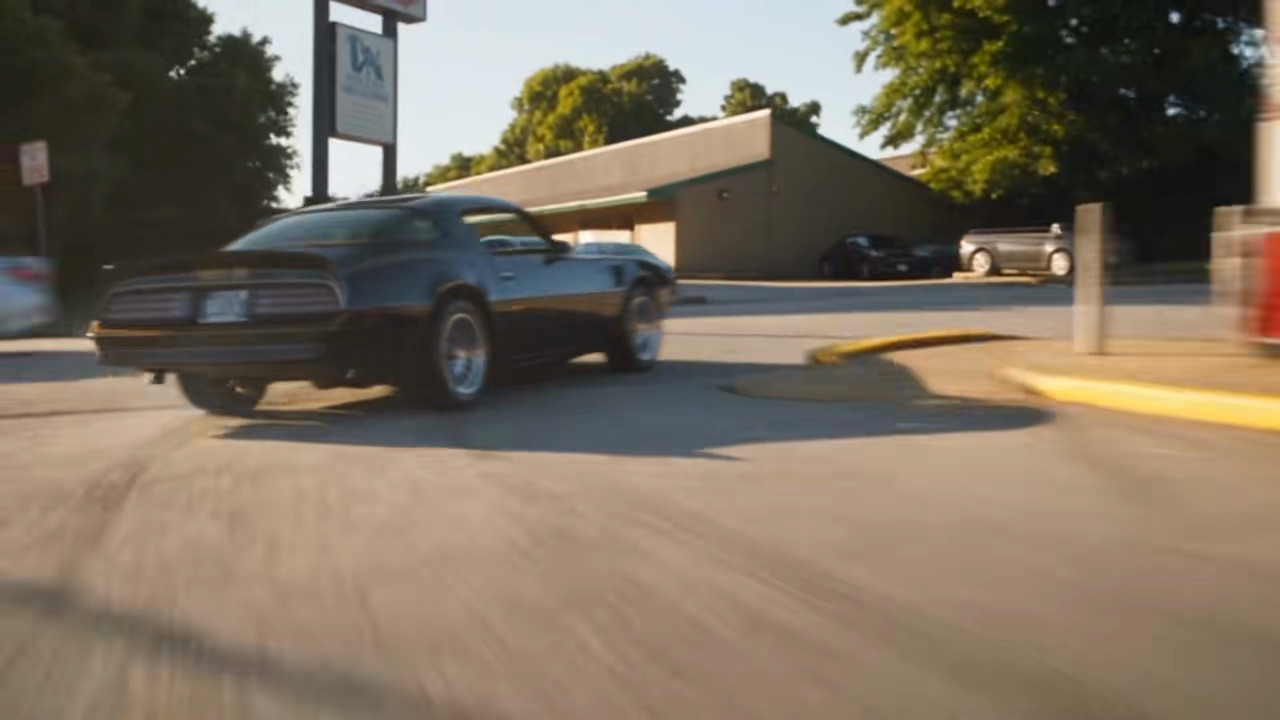
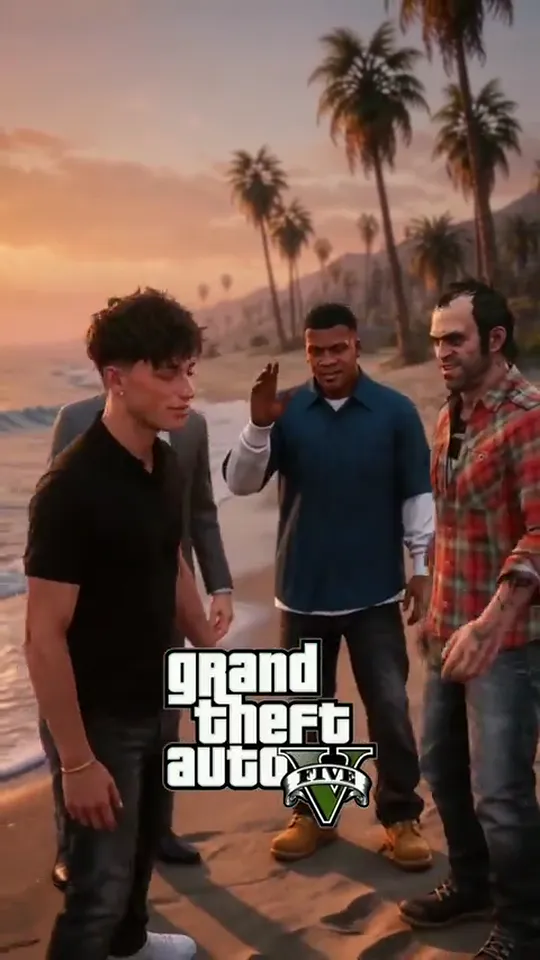
A GTA 6 AI video puts you inside Grand Theft Auto. In the GTA 5 goodbye AI trend you hug Michael, Franklin and Trevor on a Los Santos beach at sunset, walk off along the shore into Vice City at night, and pull up a bandana with the two new leads.

GTA 6 came out on November 19, 2026, and the week before it TikTok filled with goodbyes to GTA 5. The other GTA AI video people make is older: a selfie that turns into a GTA 6 loading screen style drawing. Here the scene comes with the template; the person in it is the one in your photo.

What happens, in order

  1. The hug1

    The hug

    You hug Michael on the beach at sunset.

  2. The handshake2

    The handshake

    Franklin shakes your hand.

  3. Trevor3

    Trevor

    Trevor pulls you into a hug.

  4. Into Vice City4

    Into Vice City

    You walk along the shore and the beach turns into Vice City at night.

  5. Bandanas up5

    Bandanas up

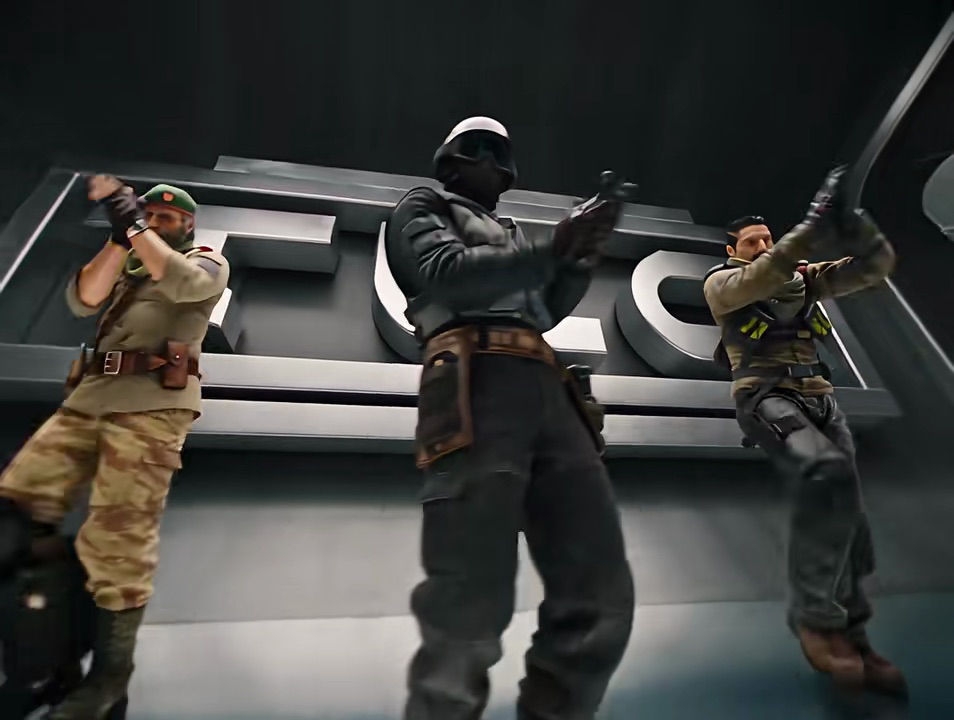
    You and the GTA 6 pair pull black bandanas over your faces.
How to

How to make a GTA 6 AI video

No prompt to write and no editing. Pick a version, add your photo, and the scene comes with it.

Make my GTA 6 video
Sample photo of an adult, face clearYour photo
This scene: Goodbye GTA 5, hello GTA 6This scene
Your photo goes in, and this scene comes out with you in it.
  1. 01

    Step 1: Pick a version

    The GTA 5 AI video goodbye, or the GTA 6 loading screen drawing.

  2. 02

    Step 2: Add one photo

    One subject, face clear, knees up if you have it.

  3. 03

    Step 3: Tick the box

    Confirm you have the right to use the photo.

  4. 04

    Step 4: Make it

    Press the button. The video renders on its own; find it in My videos.

  5. 05

    Step 5: Download and post

    Tap Download MP4, then post it with the AI-generated content label on.

Your photo

Which photo to use for the GTA 6 AI template

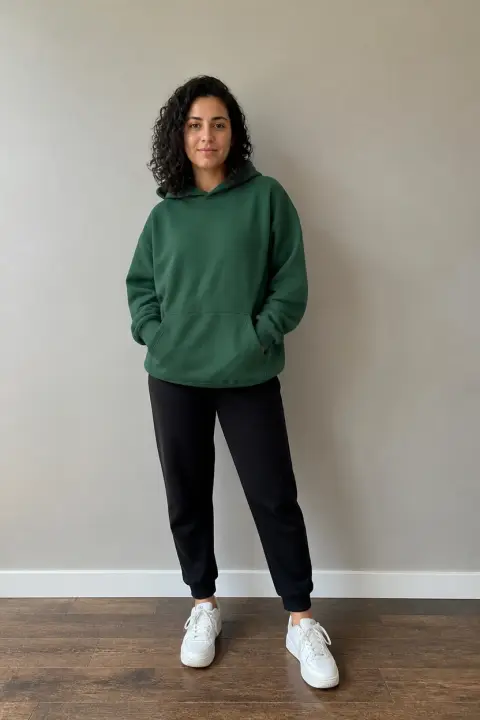
One clear face does most of the work. The clothes in your photo are the ones in the video, so a photo down to the knees shows them best.

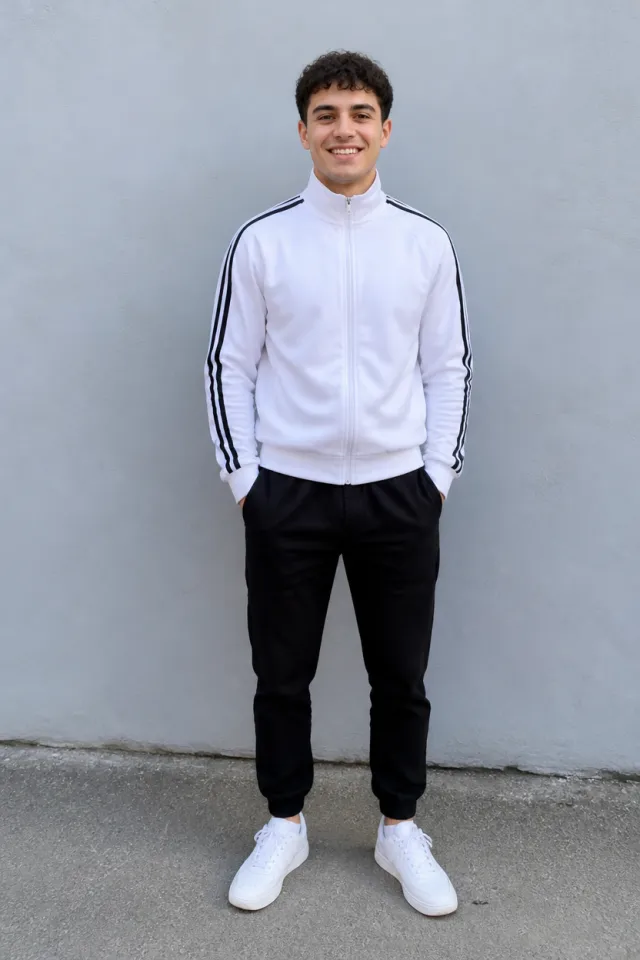
  • Sample photo: a young man with short dark curly hair in a white track jacket and black joggers, standing and smiling, face clearly visible
    Clear face, good light
  • Face in shadowTryTurn toward a window
    Face in shadow
  • Heavy filterTryUse the original photo
    Heavy filter
  • Face too smallTryStep closer: waist-up or full length
    Face too small

Works

  • One subject, knees up or full length
  • Face clear and front-on
  • Good light, no heavy filters

Skip

  • Sunglasses or a hand over the face
  • Group photos
  • Dark or blurry shots

Background

How the GTA AI video trend led up to GTA 6

The dates come from the TikTok posts and Google.

  1. January 22, 2026

    The loading screen

    A mirror selfie turns into a GTA loading screen drawing under “POV: Your boyfriend asks for a new lock screen”. It passes 4.9 million plays.

  2. November 14, 2026

    2013 to 2026

    An AI video shows a kid meeting the GTA 5 three in 2013 and coming back grown up in 2026: “time flies”.

  3. November 15, 2026

    One last goodbye

    “One last goodbye to Los Santos”: someone hugs the three on the beach, then walks into Vice City.

  4. November 17, 2026

    #gta5goodbyetrend

    The hashtag starts, and within a day dozens of accounts post their own goodbye to GTA 5.

  5. November 19, 2026

    GTA 6 comes out

    Release day. On Google, searches for “gta ai video” and “gta 6 ai video” climb.

Fixes

If your GTA 6 AI video looks off

You are small on the beach and drawn in the loading screen, so most problems start with the photo.

  • It does not look like me

    Use a sharp photo, face clear and front-on, in good light, and make it again.

  • My clothes came out wrong

    Use a photo that shows what you are wearing down to the knees.

  • I do not want the GTA title on it

    Switch off “GTA title on screen” before you press the button.

  • The video did not render

    The credits go back on their own. Add the photo again and press the button.

Posting

Posting your GTA 6 AI meme

The captions on these are short and a little sad, plus the tags. Add the words people search, like “gta6 ai video”, “gta 5 goodbye ai trend” or “gta 6 ai trend”.

Captions to copy

Hashtags

  • #gta6
  • #gta5goodbyetrend
  • #gta
  • #aivideo
  • #fyp
  • Post it this week

    The goodbyes are a launch-week thing: the closer to release day, the more people are watching them.

  • Label it as AI

    Switch on TikTok’s AI-generated content label before you post.

Pricing

Pay once, spend on any trend

One-time packs, no subscription. Credits never expire and come back if a render fails.

Starter

$9.90

15 credits per $1

150 credits

15 s of video

  • Trends, text and image to video
  • No watermark
  • Credits never expire
Most popular

Creator

$29.90

23.5 credits per $1 · 56% more

700 credits

1 min 10 s of video

  • Trends, text and image to video
  • No watermark
  • Credits never expire

Pro

$59.90

26.5 credits per $1 · 76% more

1,600 credits

2 min 40 s of video

  • Trends, text and image to video
  • No watermark
  • Credits never expire
Best value

Studio

$299

30 credits per $1 · 100% more

9,000 credits

15 min of video

  • Trends, text and image to video
  • No watermark
  • Credits never expire

GTA 6 AI video FAQ

How do I make a GTA 6 AI video?

Pick the GTA 5 goodbye or the loading screen, add one photo, tick the box and press the button at the top of this page. When it is ready, download it and post it with the AI label on.

Do I need an app, a filter or a GTA 6 AI template?

No. Both templates are on this page, and this GTA AI video maker works in your browser, on a phone or a computer.

Can I make a GTA AI photo of myself?

This page makes a video. For a GTA 6 loading screen picture, pick the loading screen, then pause your video on the drawing and take a screenshot.

Is this made by Rockstar Games?

No. It is an unofficial GTA AI video generator made by fans of the GTA 6 AI meme, not by Rockstar Games or Take-Two.

What happens to my photo?

It is used only to make your video and is deleted when you delete the video. Nothing you upload is used to train models.

Independent, unofficial fan tool. Grand Theft Auto, GTA, its characters and logos belong to Rockstar Games and Take-Two Interactive; this site is not affiliated with or endorsed by them, the people in the TikTok posts, TikTok or any app. Videos are AI-generated; label them as AI when you post.