Head Bop AI Video Generator

Make a Head Bop AI video from one photo. You cross your arms and bob your head to slowed phonk, as smooth as the edits.

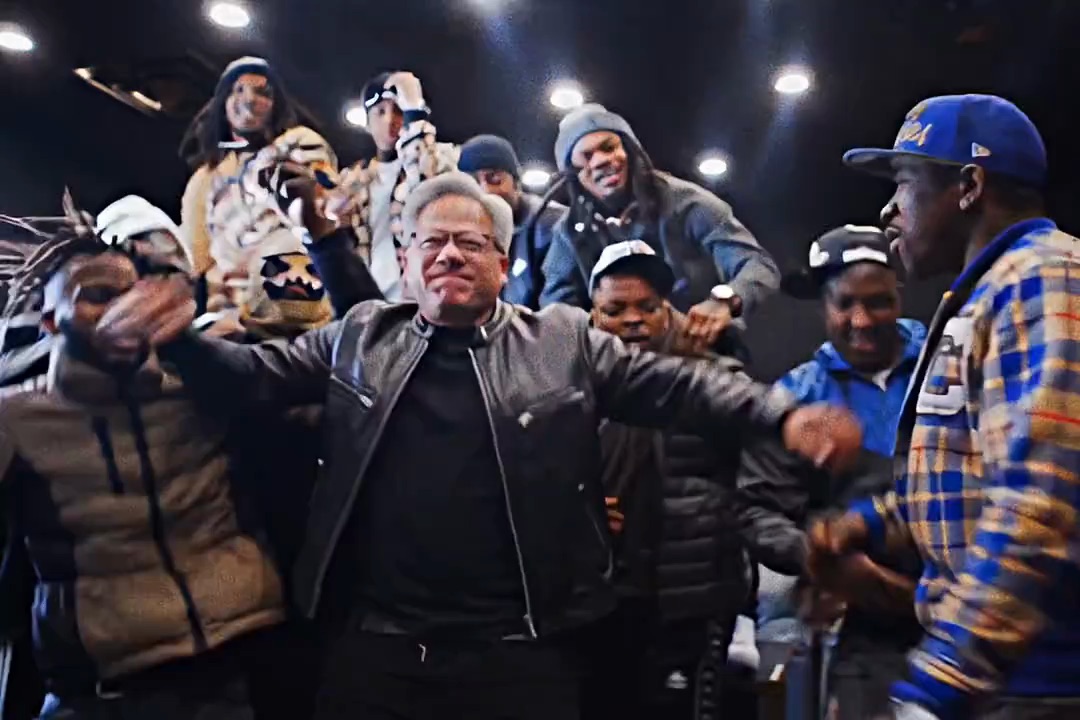
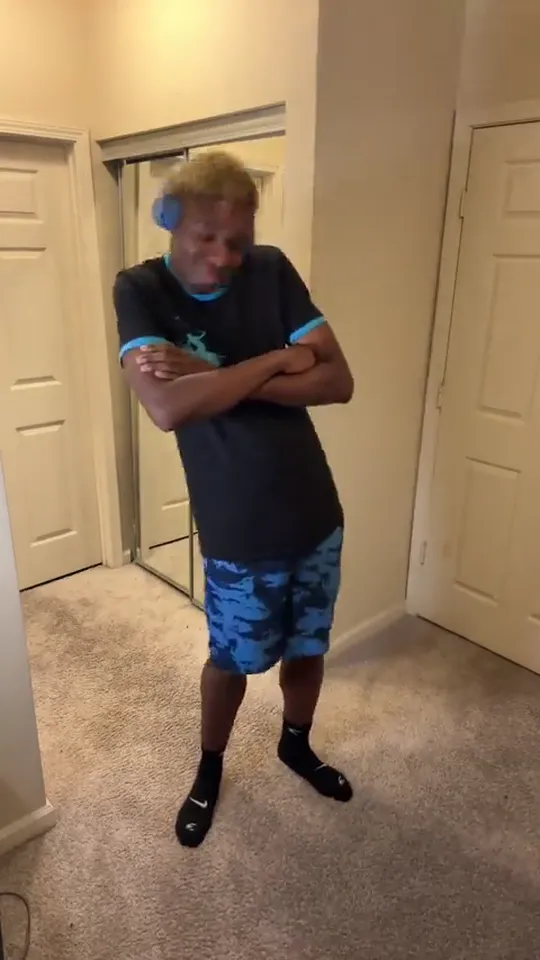
The headphones bopFrom @legendjoshking_

2Your photo

Make a Head Bop AI video from one photo. You cross your arms and bob your head to slowed phonk, as smooth as the edits.

1Pick a template

Your photo

Pick a template

What it is

What is the head bop meme?

Head Bop AI turns one photo into the head bop, the phonk move all over TikTok: arms crossed, eyes half shut, the head nodding and swaying on every beat of a slowed bass track. You can put on headphones and slide into the dance, stand and bop through a run of poses, or get the chest-up close-up of the edits.

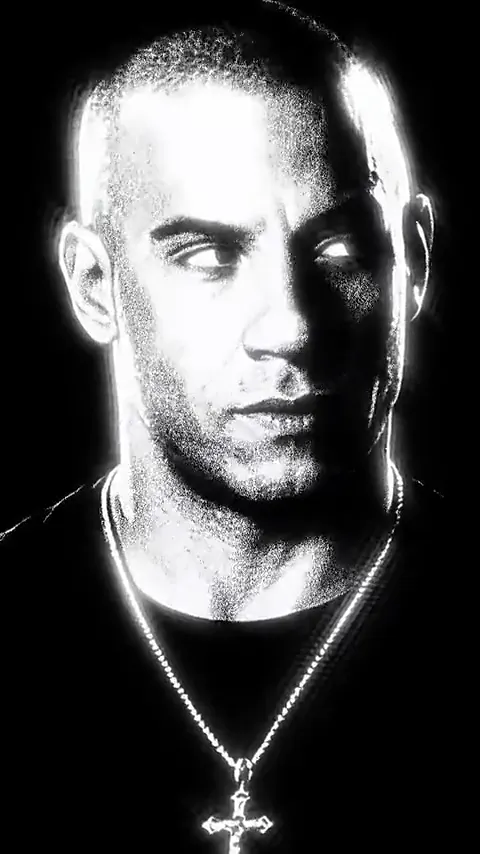
The head bop began as an edit. Editors cut out stills of anime characters and football stars and made their heads bob to phonk, the head bop animation; then a creator did it for real in his room to ELA PEIDA FUNK (ultra slowed), so smoothly that people said he looked edited. Each head bop template here brings those moves and the beat, with your face and your clothes.
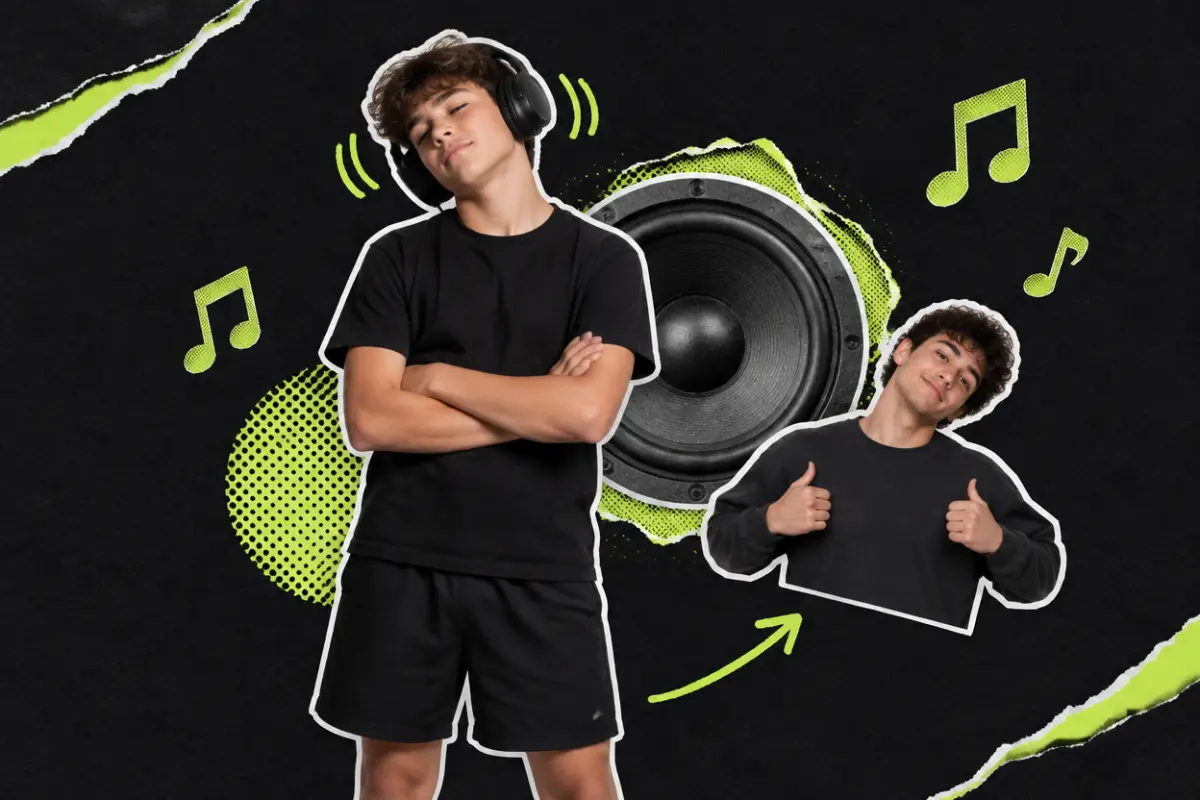
Collage: a young man in big headphones with his arms crossed, his head tilted mid-bop, beside a smaller cut-out of someone giving two thumbs up

What happens, in order

  1. Headphones on1

    Headphones on

    You pick up the headphones and put them on.

  2. The drop2

    The drop

    The beat lands; you cross your arms and bob your head to it.

  3. The dance3

    The dance

    Knees bent, you sway into the smooth phonk dance.

  4. The reach4

    The reach

    You lean in and reach for the camera, still on the beat.
How to

How to make a head bop AI video

Here is how to make head bop videos from one photo of you. The moves and the beat come with the template.

Make my head bop
Sample photo of an adult, face clearYour photo
This scene: The headphones bopThis scene
Your photo goes in, and this scene comes out with you in it.
  1. 01

    Step 1: Pick a template

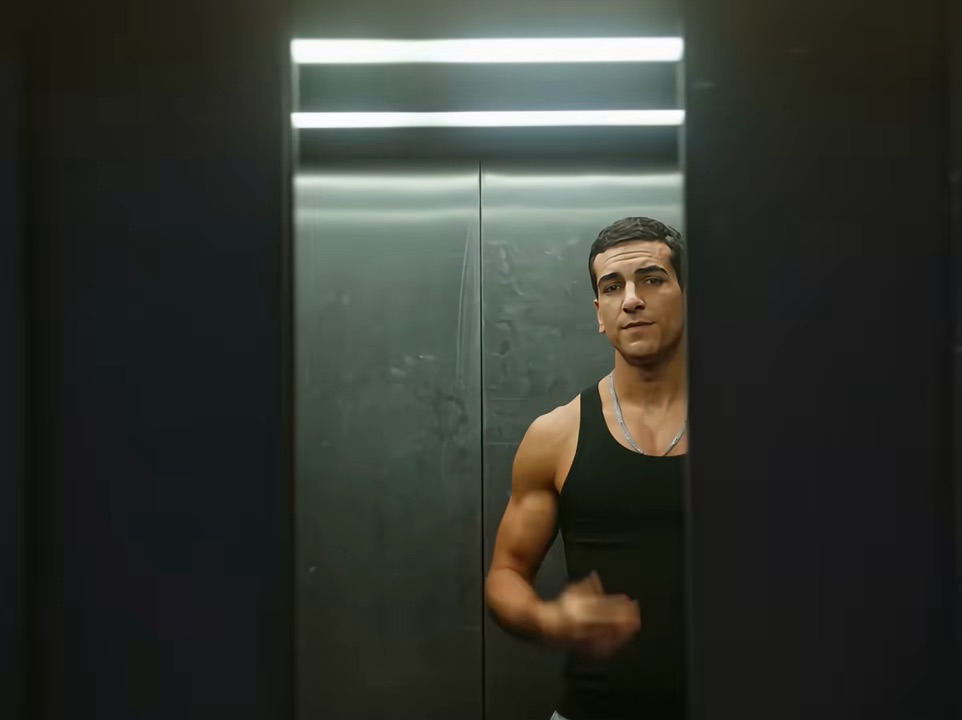
    The headphones bop, the arms-crossed bop, or the edit close-up.

  2. 02

    Step 2: Add your photo

    One subject, face clear. Your clothes come along.

  3. 03

    Step 3: Add your own details, if you like

    Another room, an outfit, or black and white like the edits.

  4. 04

    Step 4: Make it

    Press the button. The video renders on its own; find it in My videos.

  5. 05

    Step 5: Download and post

    Tap Download MP4, then post it with the AI-generated content label on.

Your photo

Which photo to use for the Head Bop AI template

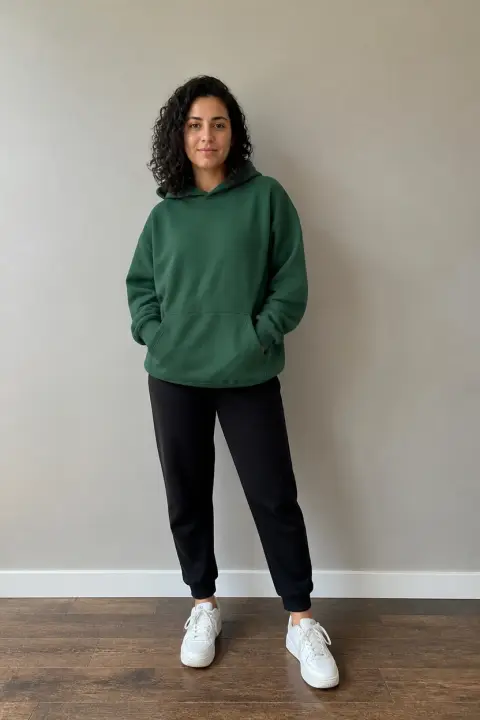
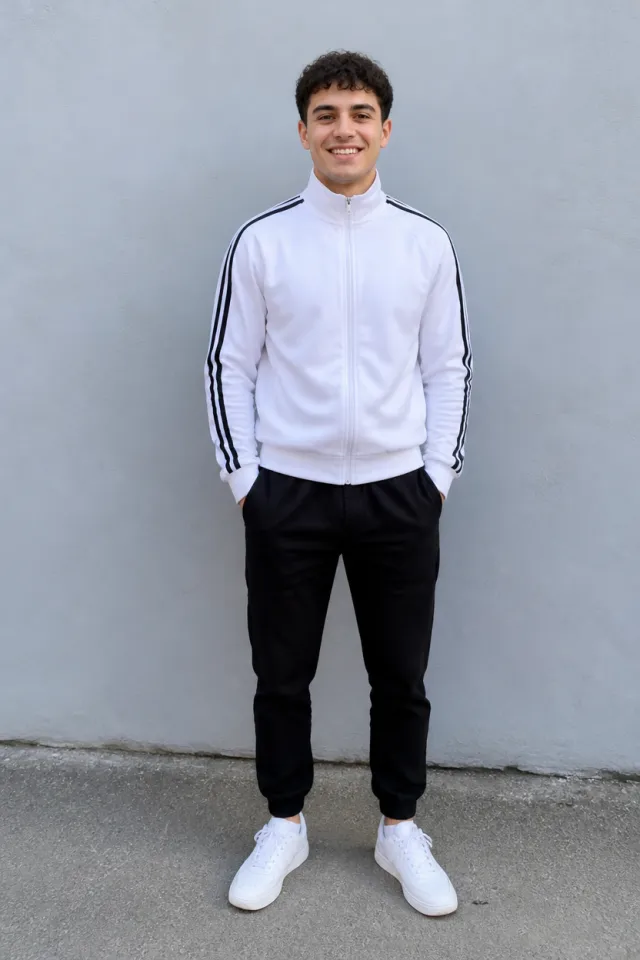
The face and the clothes come from your photo, so a sharp, front-on face in good light matters most, and a photo that shows what you are wearing.

  • Sample photo: a young man with short dark curly hair in a white track jacket and black joggers, standing and smiling, face clearly visible
    Clear face, good light
  • Face in shadowTryTurn toward a window
    Face in shadow
  • Heavy filterTryUse the original photo
    Heavy filter
  • Face too smallTryStep closer: waist-up or full length
    Face too small

Works

  • One subject in the photo
  • Face clear, front-on and uncovered
  • Waist up or full length
  • Good light, no heavy filters

Skip

  • Sunglasses, masks or a hand over the face
  • A group photo where the face is tiny
  • Dark or blurry shots

Background

Where the head bop trend came from

From hand-made edits to a phonk move anyone can copy. The dates come from the TikTok posts.

  1. July–August 2026

    Head bop animations

    Editors post stills of anime characters, then of football stars, with the head nodding to slowed phonk. One of the first football ones passed seven million plays.

  2. September 2026

    Head bops for real

    People start doing the head bop on camera themselves; a compilation of them passed a million and a half plays.

  3. October 23, 2026

    Arms crossed

    A creator stands in his room, arms crossed, and bobs to ELA PEIDA FUNK (ultra slowed). It passed eleven million plays.

  4. November 4, 2026

    Headphones on

    The same creator puts on headphones first, then dances, and passes nineteen million plays. AI versions of both videos put people’s own photos into his moves.

Fixes

If your Head Bop AI video looks off

Most problems start with the photo.

  • It does not look like me

    Use a sharp photo with the face front-on and uncovered, in good light, and make it again.

  • The clothes are not mine

    Your clothes come from your photo. A head-and-shoulders photo leaves the rest to guesswork, so use one that shows what you are wearing.

  • I want the black-and-white edit look

    Write “black and white” in “Add your own details”, or another room or outfit, and make it again.

  • A photo will not upload

    Use a JPG, PNG or WEBP. If an iPhone photo will not open, upload a screenshot of it.

  • The video did not render

    The credits go back on their own. Add the photo again and press the button.

Posting

Posting your head bop edit

Add the words people search, like “head bop”, “head bop edit” or “head bobbing”.

Captions to copy

Hashtags

  • #headbop
  • #headbopedit
  • #phonk
  • #slowed
  • #bassboosted
  • #edit
  • #aivideo
  • #fyp
  • Label it as AI

    Switch on TikTok’s AI-generated content label before you post.

Pricing

Pay once, spend on any trend

One-time packs, no subscription. Credits never expire and come back if a render fails.

Starter

$9.90

15 credits per $1

150 credits

15 s of video

  • Trends, text and image to video
  • No watermark
  • Credits never expire
Most popular

Creator

$29.90

23.5 credits per $1 · 56% more

700 credits

1 min 10 s of video

  • Trends, text and image to video
  • No watermark
  • Credits never expire

Pro

$59.90

26.5 credits per $1 · 76% more

1,600 credits

2 min 40 s of video

  • Trends, text and image to video
  • No watermark
  • Credits never expire
Best value

Studio

$299

30 credits per $1 · 100% more

9,000 credits

15 min of video

  • Trends, text and image to video
  • No watermark
  • Credits never expire

Head Bop AI video FAQ

How do I make a head bop AI video?

Pick a template, add one clear photo and press the button at the top of this page. When it is ready, download it and post it with the AI label on.

How do I make a head bop edit from a photo?

The head bop edits on TikTok are cut by hand, a still picture’s head moved to the beat frame by frame. Here one photo does it: pick the edit close-up for that look, or a full-length head bop.

How is the head bobbing so smooth?

The moves and their timing come from a real head bop, so every nod lands on the beat. A sharp, front-on photo keeps your face steady through the turns.

Do I need an app or a head bop template?

No. Each head bop template is on this page, with its moves and its beat, and it all happens in your browser, on a phone or a computer.

What happens to my photo?

It is used only to make your video and is deleted when you delete the video. Nothing you upload is used to train models.

Independent, unofficial tool. Not affiliated with or endorsed by the creators of the head bop posts, the artists or labels behind the songs, the clubs or players in the edits, TikTok or any app. Videos are AI-generated; label them as AI when you post.