
TikTok AI trends you can copy
The TikTok AI trends people are copying, by plays and by month. Pick one and add a photo.
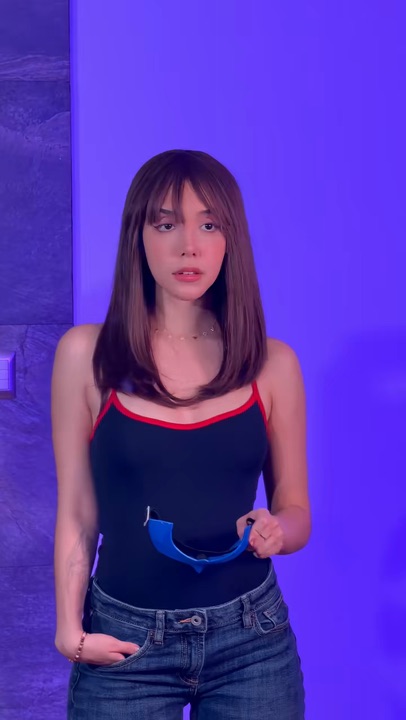

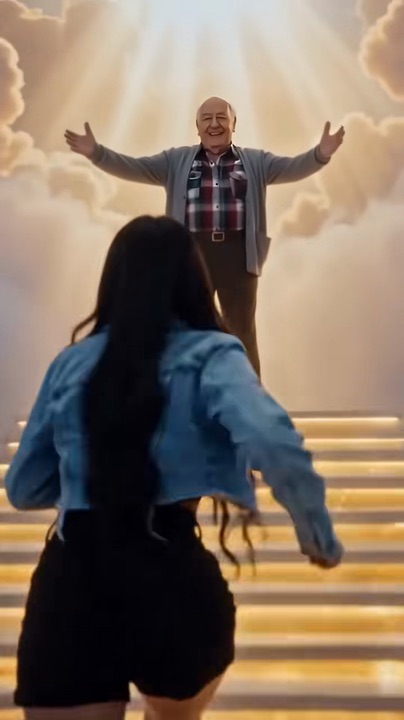
TikTok AI trends FAQ
What is an AI video trend?
A short video format that spreads on TikTok once someone makes it with an AI video model: the same scene, moves and camera every time, with a different person in it. Most start from one viral clip and a tutorial that shows the template.
How do I make one of these trends with my own photo?
Press its card: it opens the trend’s page and its templates. Add one clear photo and press the button. Your video keeps the scene and the beats of the trend with the person from your photo, and it waits in My videos when it is ready.
What do the numbers on a card mean?
The 🔥 is how many times the clip on the card has been played on TikTok, at our last count. The date is when the trend was added here.
What if the trend I saw is not here?
Every trend here has its own page and templates, and a new AI trend gets one while it is still rising. Pasting its TikTok link in the box on the home page tells you straight away if we have it.
Do I need an app or a TikTok account?
No. Everything runs in the browser on your phone or computer. You download the finished MP4, sound included, and post it wherever you like.
How many credits does a trend video take?
It depends on the template’s length: 10 credits a second, and the button shows the exact number before anything is charged. Credits come in one-time packs, never expire and come back if a render fails.