Charme Dance AI Video Generator

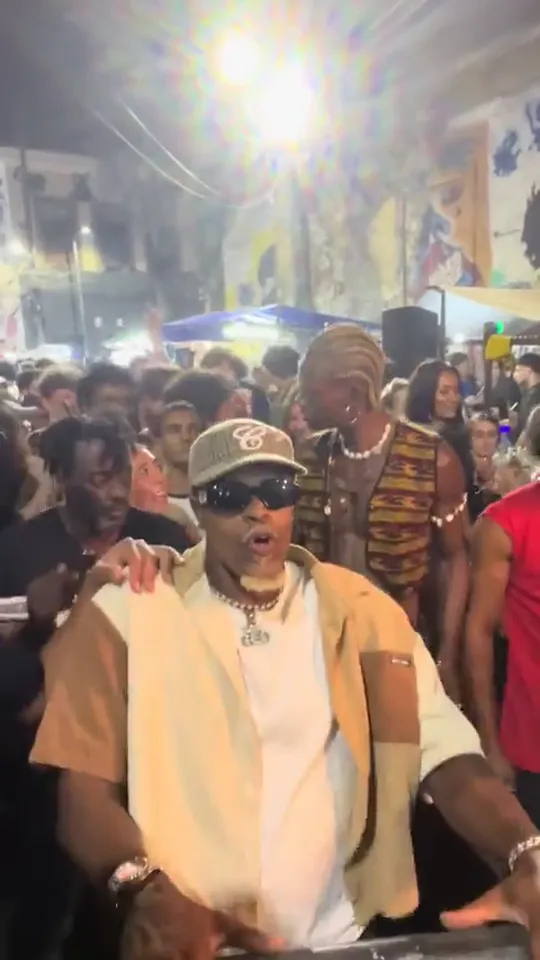
Make the Charme dance AI video from one photo: you dance in a packed night-time baile charme in Rio, swaying and grinning at the camera.

The Walking StepFrom @zenegaooficial

Your photo

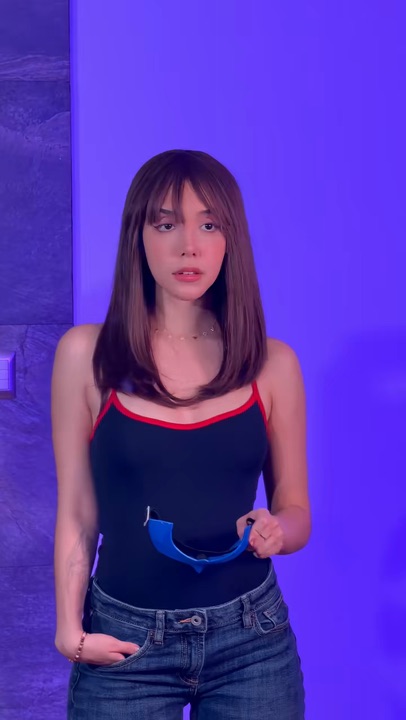
One adult, alone, waist-up or more, face clear.

What it is

What is the Charme Dance AI video?

The Charme dance AI video puts you in the middle of a baile charme, the street parties of Rio de Janeiro’s R&B and soul scene, where a whole crowd moves through the small, laid-back steps of the charme dance Brazil has kept alive since the 1980s. It comes from a clip filmed at a retro charme night at Pedra do Sal in August 2026, which passed two and a half million views: a man dancing in the packed crowd, perfectly on the beat, grinning at the phone filming him. In October the AI version spread from Brazil to Spanish-speaking TikTok and then to the US, through a template called The Walking Step.

Most of the AI clips people posted swap a famous face in for the dancer; here it is whoever is in your photo, in the clothes they wear in it, with anonymous partygoers dancing around them. It lands hardest with someone you know: a grandpa in a polo shirt or an aunt in her church clothes, moving like they have come to this party every Saturday for forty years.
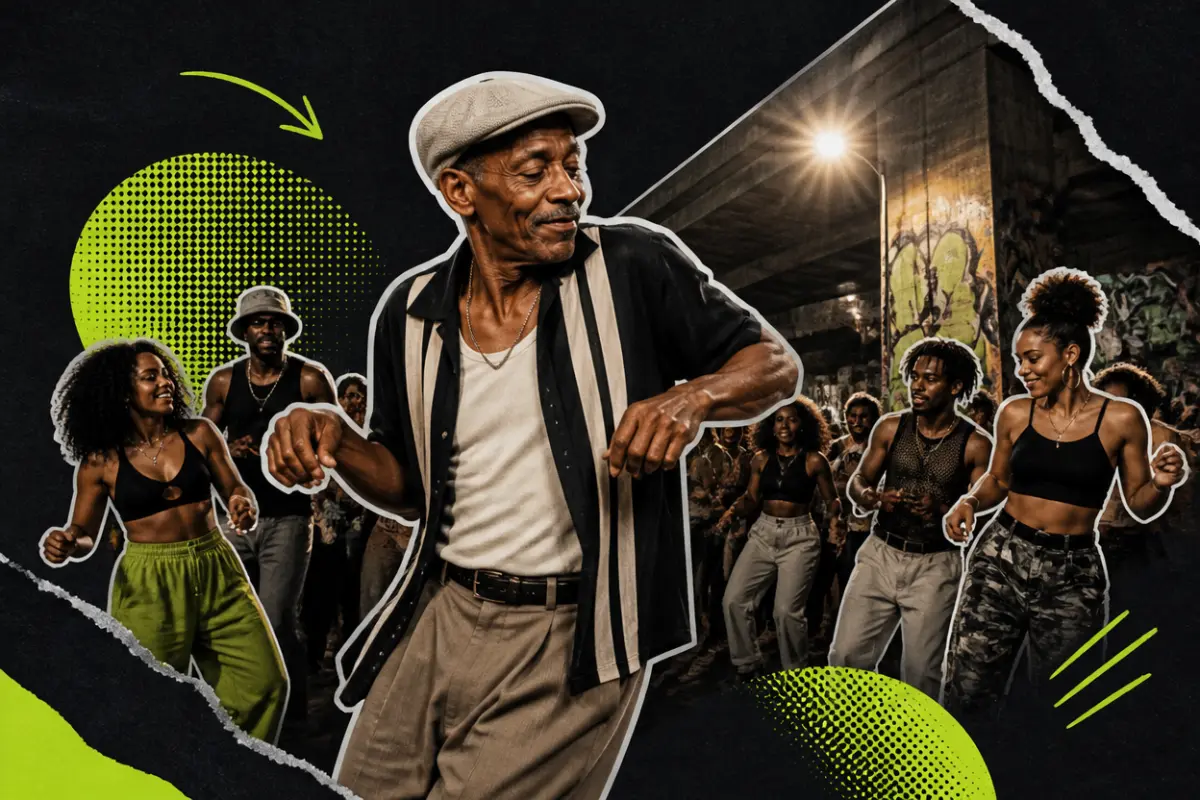
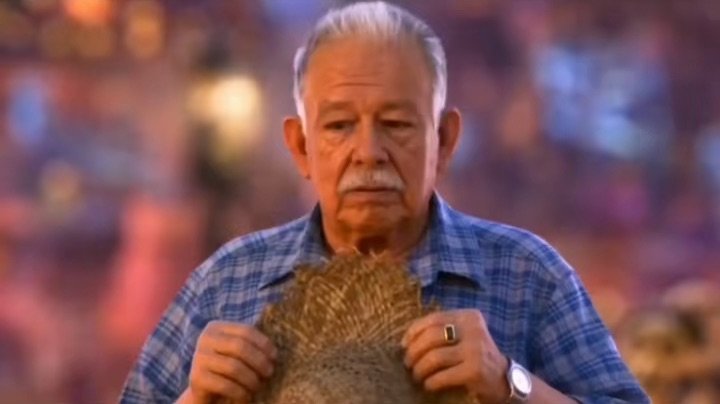
Collage: an older man in a flat cap leading a crowd of dancers at a night street party under an overpass

What happens, in order

  1. The crowd1

    The crowd

    Night at a packed street party in Rio: a bright street lamp, mural banners and blue tents behind the crowd. You start just left of centre, leaning in and swinging your arms.

  2. Down low2

    Down low

    You step into the middle, lean forward and swing one arm low across your body, right on the beat.

  3. Side to side3

    Side to side

    You sway from side to side and turn away for a moment, while a partygoer in a straw hat dances next to you.

  4. The grin4

    The grin

    You turn back to the camera with a big grin, completely at home in the crowd.

  5. Head down5

    Head down

    You keep swaying with small shoulder moves, then dip your head into the groove.
How to

How to make a Charme Dance AI video

You do not need to know a single step. The moves come from the clip; you bring the photo and the outfit.

  1. 01

    Step 1: Use The Walking Step

    It is the version people remake on TikTok, and it is already selected in the generator at the top of this page.

  2. 02

    Step 2: Add one photo

    One adult, waist-up or more, face clear. Wear in the photo what you want to dance in.

  3. 03

    Step 3: Tick the box

    Confirm it is you or an adult who agreed. Your photo and the tick are still there after signing in or adding credits.

  4. 04

    Step 4: Make it

    Press the button. The Charme dance AI clip renders on its own; leave the page if you like and find it in My videos.

  5. 05

    Step 5: Download it

    Tap Download MP4.

  6. 06

    Step 6: Post it

    In TikTok, switch on the AI-generated content label and post. Tag whoever is dancing.

Make my charme dance
Sample photo of an adult, face clearYour photo
This scene: The Walking StepThis scene
Your photo goes in, and this scene comes out with you in it.

Your photo

Charme Dance AI: which photo to use

A Charme dance AI clip shows the dancer from about the waist up in a packed crowd, so a photo from the waist up is enough. The face matters most, because you turn and grin straight at the camera. Whatever you wear in the photo is what you dance in, and everyday clothes are the joke here. A polo shirt, a cardigan or office clothes look wonderful in the middle of a Rio street party. Stand naturally with your arms loose; you do not need to pose like a dancer, because the steps come from the clip.

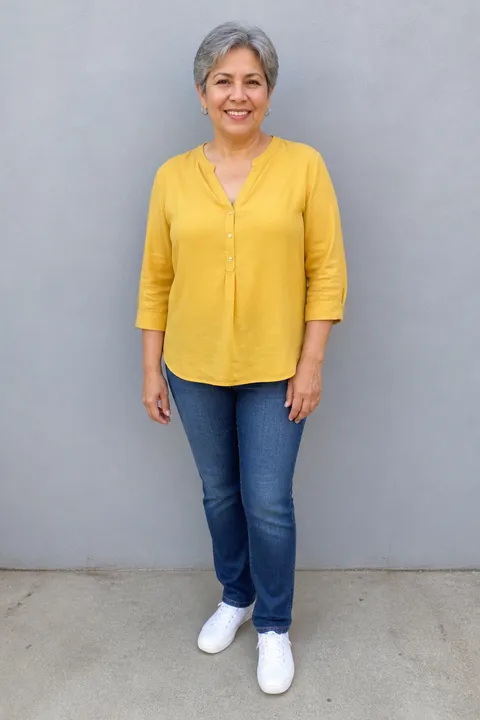
  • Sample photo: a woman in her sixties with short gray hair in a mustard blouse, jeans and sneakers, standing full length, face clearly visible
    Clear face, good light
  • Face in shadowTryTurn toward a window
    Face in shadow
  • Heavy filterTryUse the original photo
    Heavy filter
  • Face too smallTryStep closer: waist-up or full length
    Face too small

Works

  • One adult, alone in the photo
  • Waist-up or more, in the clothes you want to dance in
  • Face clear, looking roughly at the camera
  • Daylight or a bright room, no heavy filters

Skip

  • Photos of celebrities or actors, like the ones in the template previews
  • Group photos or a small face far away
  • Sunglasses, hats low over the eyes, masks
  • Children, public figures, anyone who has not agreed

Background

Where the Charme Dance AI trend came from

Rio’s charme scene is decades old; the AI trend took about two months. Dates come from news reports and the TikTok posts.

  1. 1980s to 1990

    Charme in Rio

    Charme grows out of Rio’s Black music parties of the 1980s. Around 1990 a Saturday baile charme starts under the Negrão de Lima overpass in Madureira; it turned thirty in 2020.

  2. 2019

    Heritage

    A state law names charme intangible cultural heritage of the state of Rio de Janeiro, Brasil de Fato reported.

  3. August 14, 2026

    The street party clip

    A clip from a retro charme night at Pedra do Sal, in Rio’s old port district, is posted. It passes two and a half million plays.

  4. Mid-October 2026

    Famous faces

    Charme dance AI versions put well-known action-film faces at the front of the crowd and spread from Brazil to Spanish-speaking TikTok.

  5. October 18, 2026

    The Walking Step

    The template behind the Charme dance AI clips, The Walking Step, spreads: one photo puts anyone at the front of the crowd.

  6. October 20, 2026

    The US

    Posts in English take the Charme dance AI video to the US.

Fixes

If your Charme Dance AI video looks off

A Charme dance AI clip shows you from about the waist up in a packed crowd, so the photo has to get two things right: your top and your face.

  • My clothes look invented

    The clip keeps what you wear in the photo. If the photo is a close-up of the face, the AI has to draw the rest; use one from the waist up or more.

  • The face is not quite right

    You turn and grin straight at the camera, so a sharp, front-facing photo in good light matters most. Avoid filters that smooth or reshape the face.

  • Someone in the crowd looks familiar

    The crowd is meant to be anonymous partygoers, made fresh each time. If a face in it looks like someone you know of, make the clip again.

  • There are two of us in the photo

    Crop it to one person before you upload, still from the waist up. Each clip puts one person in the dancer’s place.

  • The photo will not upload

    Use a JPG, PNG or WEBP. iPhone photos saved as HEIC sometimes will not open in a browser; take a screenshot of the photo and upload that.

  • The video did not render

    If a render fails, the credits go back to your balance on their own. Add the photo again and press the button once more.

Posting

Posting your Charme Dance AI video

Charme is about attitude, so the caption can be dry. Say who is dancing and let the grin do the rest.

Captions to copy

Hashtags

  • #charme
  • #bailecharme
  • #charmedance
  • #riodejaneiro
  • #pedradosal
  • #aidance
  • #aitrend
  • #fyp
  • Say who is dancing

    A Charme dance AI clip lands harder when people know the dancer. Put their name, or their job, at the top of the frame.

  • Label it as AI

    The street looks real. Turn on the AI label so nobody goes looking for the party.

Pricing

Pay once, spend on any trend

One-time packs, no subscription. Credits never expire and come back if a render fails.

Starter

$9.90

15 credits per $1

150 credits

15 s of video

  • Trends, text and image to video
  • No watermark
  • Credits never expire
Most popular

Creator

$29.90

20 credits per $1 · 33% more

600 credits

1 min of video

  • Trends, text and image to video
  • No watermark
  • Credits never expire

Pro

$59.90

22.5 credits per $1 · 50% more

1,350 credits

2 min 15 s of video

  • Trends, text and image to video
  • No watermark
  • Credits never expire
Best value

Studio

$299

25 credits per $1 · 66% more

7,500 credits

12 min 30 s of video

  • Trends, text and image to video
  • No watermark
  • Credits never expire

Charme Dance AI video FAQ

How do I make the Charme dance AI video?

Add one photo of yourself or an adult who agreed, waist-up or more with the face clear, tick the box and press the button at the top of this page. When it is ready, download it and post it. The steps above go through it in order.

Do I need to know how to dance?

No. The steps come from the clip, not from your photo. Stand naturally in the picture; the low arm swing, the sway and the grin at the camera are already in the Charme dance AI scene.

Can two of us dance in it together?

Each video takes one photo, so one person takes the dancer’s place; the partygoers dancing around you, the man in the straw hat included, are made up. For a couple or two friends, make one each and post them back to back, as if you both went to the same party.

Can I use a selfie or a photo cut at the waist?

Yes. The clip shows the dancer from about the waist up in the crowd, so a waist-up photo is all it needs. A selfie works too if it shows your top and your face is sharp; with a tight close-up of the face, the AI has to invent your clothes.

Can I use a photo of a famous actor, like the versions on TikTok?

No. Every photo has to show you or an adult who has agreed to it, never a celebrity or public figure. The crowd around you is made of anonymous partygoers for the same reason.

What happens to my photo?

It is used only to make your video and is deleted as soon as the render ends, whether it worked or not. The finished clip waits in My videos for you to download; it is not shown anywhere on this site, and nothing you upload is used to train models.

Why was my photo not accepted?

Use a JPG, PNG or WEBP. iPhone photos saved as HEIC sometimes will not open in a browser, so take a screenshot of the photo and upload that. Very large photos are made smaller for you before they upload.

Independent tool. Not affiliated with, endorsed by or connected to the people filmed at Rio’s charme parties or their organisers, any actor or film, the TikTok creators who posted the trend, TikTok or any app. Videos are AI-generated; label them as AI when you post.