Marlon AI Video Generator

Make a Marlon AI video from one photo. You take Marlon’s place in the night street selfie, talking, pointing and laughing at the camera.

Marlon street videoFrom @moreclixtv

Your photo

What it is

What is the Marlon AI trend?

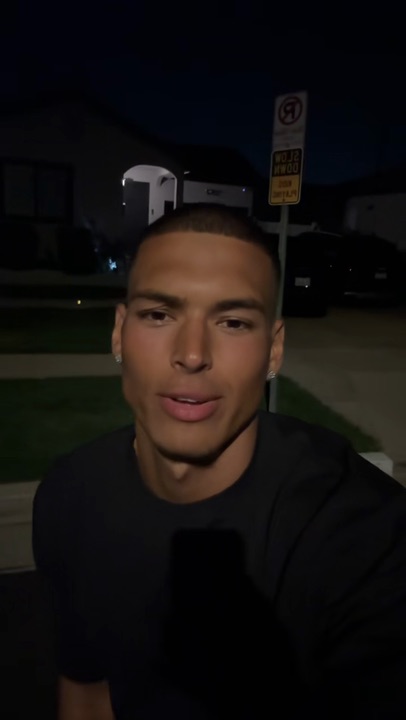
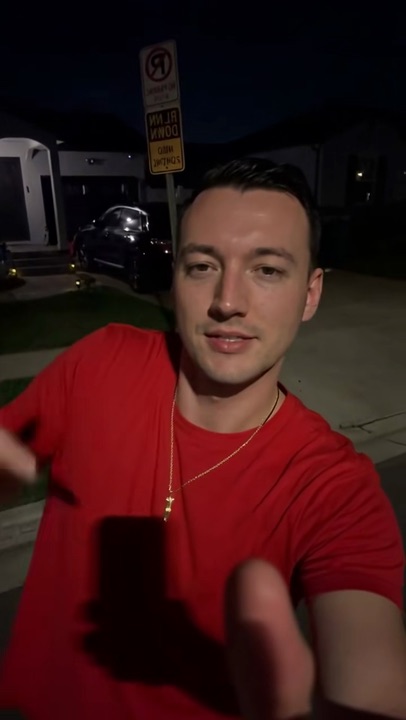
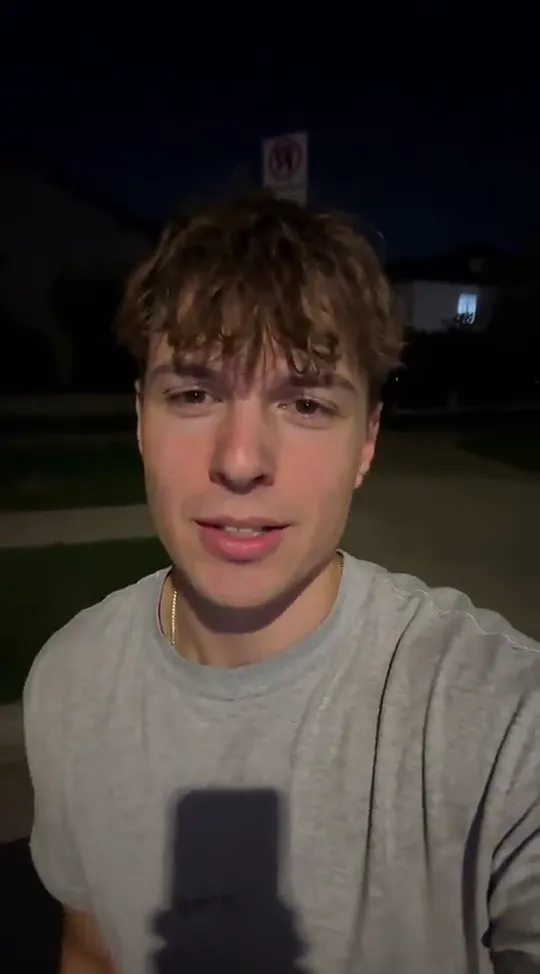
The Marlon AI video is Marlon’s night selfie with someone else in it: on a quiet street, phone at arm’s length, talking to the camera, pointing at it and breaking into a laugh. Marlon (@marlon3lg) posted the real one in April 2025, and from spring 2026 people made it again with AI, a new face in Marlon’s place each time.

Here the one on the street is the person in your photo, with their own face, hair and clothes; the street, the moves and the sound come with the template.

What happens, in order

  1. Night selfie1

    Night selfie

    Phone at arm’s length on a quiet street, talking to the camera.

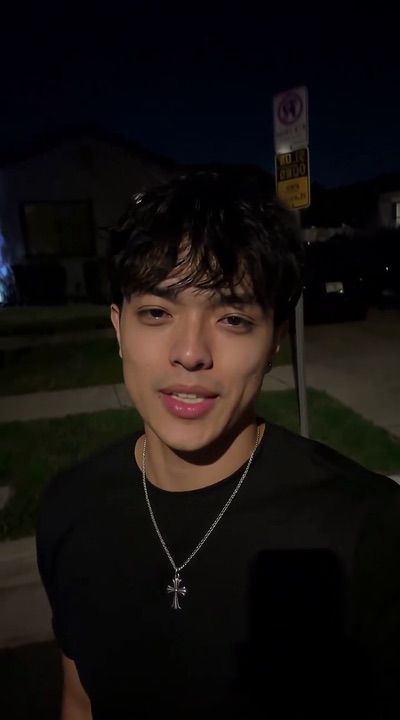
  2. The point2

    The point

    A finger toward the camera, still talking.

  3. The look away3

    The look away

    A glance to the side and a grin.

  4. The laugh4

    The laugh

    A big laugh, a wave, and the head turns away.
The original

The original Marlon street video

The Marlon AI trend copies a real video, not AI. On April 9, 2025, Marlon (@marlon3lg) posted a short selfie filmed at night on a quiet street: talking to the camera, pointing at it, laughing.

Every Marlon AI video keeps that street, those moves and that sound, and puts someone else in front of the camera.

@marlon3lg🔥 73M

On TikTok

The AI Marlon trend on TikTok

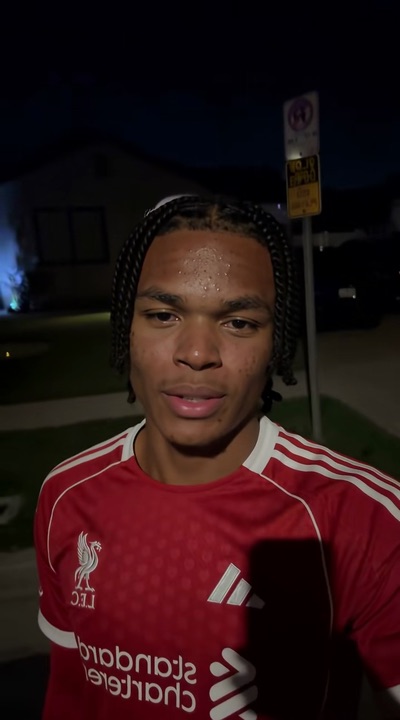
The same street, the same moves, another face.

@jasontheween🔥 5.7M
@bigdismo🔥 3.4M
@ftblfever🔥 303K

How to

How to do the Marlon AI trend

No street, no editing and no prompt to write. The street, the moves and the sound come with it; you bring the photo.

Make me Marlon
Sample photo of an adult, face clearYour photo
This scene: Marlon street videoThis scene
Your photo goes in, and this scene comes out with you in it.
  1. 01

    Step 1: Add a photo

    One subject, face clear and front-on.

  2. 02

    Step 2: Tick the box

    Confirm you have the right to use the photo.

  3. 03

    Step 3: Make it

    Press the button. The Marlon AI video renders on its own; leave the page if you like and find it in My videos.

  4. 04

    Step 4: Download it

    Tap Download MP4.

  5. 05

    Step 5: Post it

    In TikTok, switch on the AI-generated content label and post.

Your photo

Which photo to use for the Marlon AI template

The camera stays close the whole time, so the face carries the video. A sharp, front-on photo in good light does most of the work, and the top in your photo is the one on the street.

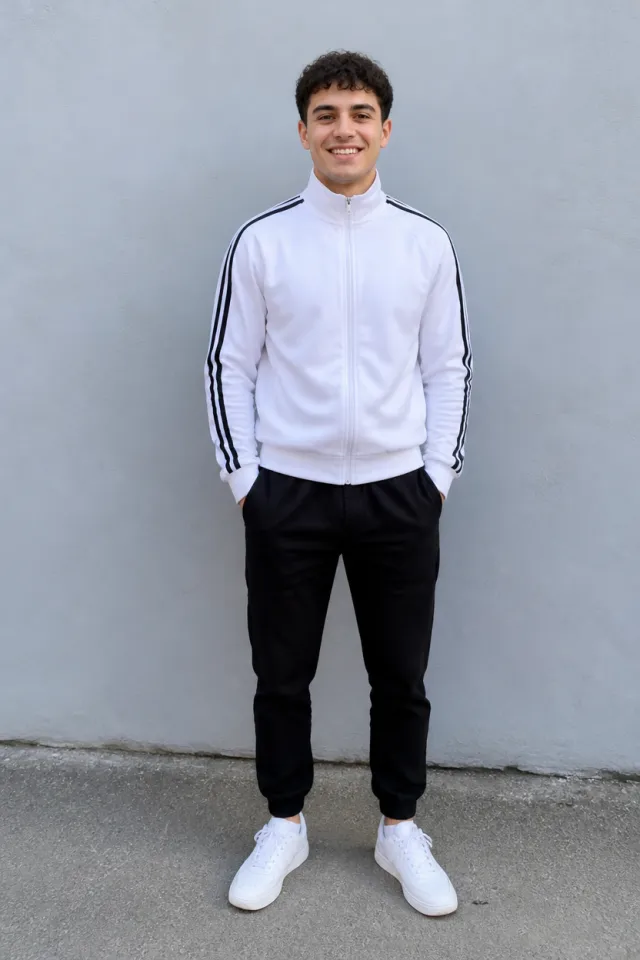
  • Sample photo: a young man with short dark curly hair in a white track jacket and black joggers, standing and smiling, face clearly visible
    Clear face, good light
  • Face in shadowTryTurn toward a window
    Face in shadow
  • Heavy filterTryUse the original photo
    Heavy filter
  • Face too smallTryStep closer: waist-up or full length
    Face too small

Works

  • One subject, alone in the photo
  • Face clear and front-on
  • Good light, no heavy filters

Skip

  • Group photos
  • Public figures
  • Sunglasses or a hand over the face
  • Dark or blurry shots

Background

Where the Marlon AI trend came from

The dates come from the TikTok posts.

  1. April 9, 2025

    The selfie

    Marlon (@marlon3lg) posts a night selfie on a quiet street: talking, pointing, laughing.

  2. Late March 2026

    Another face

    The first AI versions put other people on Marlon’s street, with the same moves.

  3. April 6, 2026

    “Can I get a haircut here?”

    A version with a man in a red T-shirt passes 3 million plays, and its caption fills the comments.

  4. April 30, 2026

    Streamers join in

    Streamers post their own Marlon AI videos with the original sound, each passing 5 million plays.

Fixes

If your Marlon AI face swap looks off

The face fills the screen for the whole clip, so most problems start with the photo.

  • It still looks like Marlon

    Use a sharp, front-on photo in good light with nothing over the face, and make it again.

  • I am wearing something else

    Clothes come from your photo when it shows them; a photo of just the face keeps the original top. To pick one, write it in “Add your own details”, such as “white hoodie”, and make it again.

  • The photo will not upload

    Use a JPG, PNG or WEBP. iPhone photos saved as HEIC sometimes will not open in a browser; take a screenshot of the photo and upload that.

  • The video did not render

    If a render fails, the credits go back to your balance on their own. Add the photo again and press the button once more.

Posting

Posting your Marlon AI video

Keep the caption short and add the words people search, like “marlon ai”, “ai marlon trend” or “marlon ai face swap”.

Captions to copy

Hashtags

  • #marlon
  • #marlon3lg
  • #aivideo
  • #fyp
  • Label it as AI

    Turn on TikTok’s AI-generated content label when you post.

Pricing

Pay once, spend on any trend

One-time packs, no subscription. Credits never expire and come back if a render fails.

Starter

$9.90

15 credits per $1

150 credits

15 s of video

  • Trends, text and image to video
  • No watermark
  • Credits never expire
Most popular

Creator

$29.90

23.5 credits per $1 · 56% more

700 credits

1 min 10 s of video

  • Trends, text and image to video
  • No watermark
  • Credits never expire

Pro

$59.90

26.5 credits per $1 · 76% more

1,600 credits

2 min 40 s of video

  • Trends, text and image to video
  • No watermark
  • Credits never expire
Best value

Studio

$299

30 credits per $1 · 100% more

9,000 credits

15 min of video

  • Trends, text and image to video
  • No watermark
  • Credits never expire

Marlon AI video FAQ

How do I do the Marlon AI trend?

Add one photo with the face clear, tick the box and press the button at the top of this page. When it is ready, download it and post it with the AI label on.

Do I need an app, the Marlon video or a prompt?

No. Marlon’s street video, the moves and the sound come with the template on this page, and it all happens here in your browser. You bring one photo.

Is the Marlon AI video a face swap?

More than the face changes. The person in your photo takes Marlon’s place with their own face, hair and clothes, while the street, the moves and the sound stay as in the original.

What happens to my photo?

It is used only to make your video and is deleted when you delete the video. Nothing you upload is used to train models.

Independent tool. Not affiliated with or endorsed by Marlon, the TikTok creators who posted the trend, TikTok or any app. Videos are AI-generated; label them as AI when you post.